What to Do When Your iPhone Screen Cracks
A cracked iPhone screen is not only a cosmetic issue. The right first steps protect touch, Face ID, cameras, moisture resistance and the final repair cost.
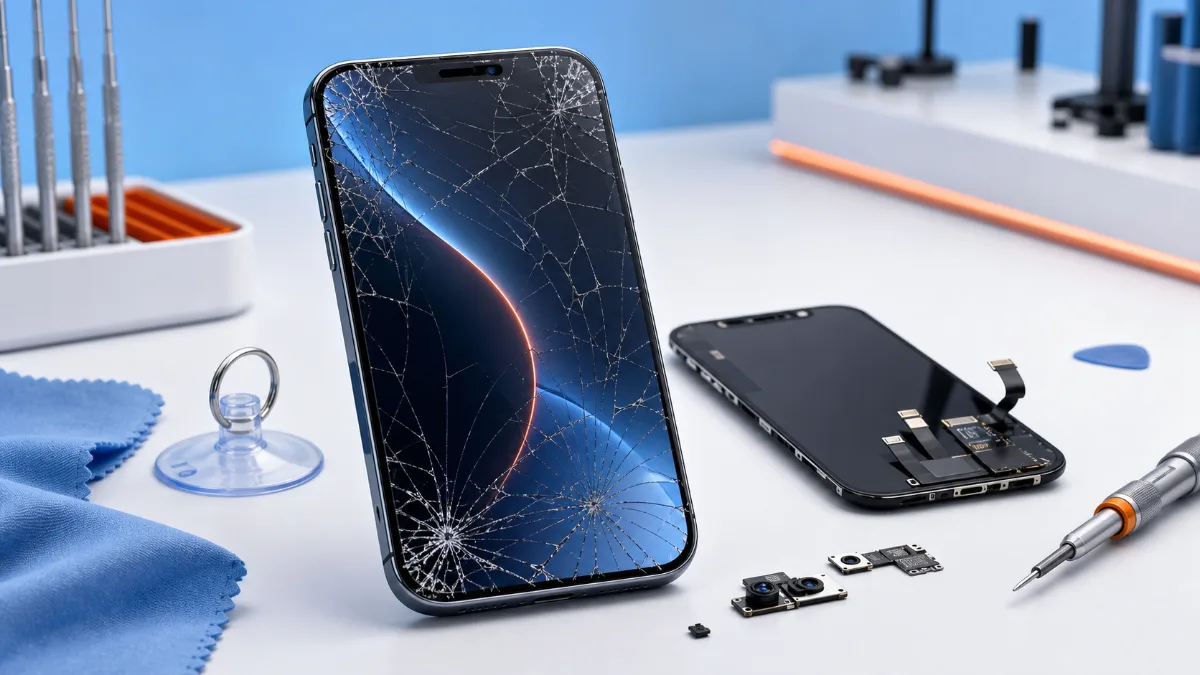
A cracked iPhone screen can still work for days, which makes the problem look less urgent than it is. The risk is that the damage spreads below the glass: touch layers, OLED pixels, Face ID components, front camera alignment, frame fit and moisture protection can all be affected. The first decisions after the drop often decide whether the repair stays simple.
First steps after the screen breaks
Stop pressing on the damaged area. If glass fragments are loose, use the phone carefully and avoid putting it in a pocket without protection. Back up important data if the display and touch still work. A cracked screen can fail suddenly after another small impact, pressure in a bag or moisture exposure. Do not test waterproofing. Even if the iPhone was water resistant before, a cracked display breaks that assumption. Keep the phone away from rain, steam, sinks and beach sand. If the phone was also exposed to liquid, start with iPhone diagnostics rather than only screen replacement.
When the repair is straightforward
A normal screen job is likely when the phone powers on, touch works across the whole display, there are no green lines or black spots, Face ID still works and the frame is not badly bent. In that case, the main decision is usually part level: original iPhone screen replacement or copy screen replacement. Original screens are the better option for newer main devices, users who care about brightness and color, and anyone who wants the closest result to the factory display. Copy screens can make sense for older phones or budget repairs, but expectations should be clear: brightness, color, touch feel and long-term behavior may differ.
Warning signs that need diagnostics
Diagnostics matters if the display is black, touch is partly dead, the phone restarts, Face ID stopped working, the frame is bent, or the phone became hot after the fall. These symptoms may mean the screen is not the only problem. A damaged connector, board impact or liquid exposure can turn a simple display replacement into a broader repair. A screen that flashes, shows colored lines or has dead areas can still be screen damage, but the technician should test the phone before quoting blindly. This protects the customer from paying for a part that cannot solve a deeper issue.
Price and timing
Screen prices depend on model, part type and frame condition. The current starting points are easiest to compare on the price list. If the device is used for work, navigation, payment or authentication, do not wait until the display becomes unreadable. A working cracked screen is still a fragile screen.
What not to do
Avoid cheap glass-only promises unless the technician clearly explains what is being replaced. Modern iPhone screens are laminated assemblies, and separating glass from display is not the normal clean repair for most customer cases. Also avoid continuing to use a screen with lifted glass near the edge, because dust and moisture can enter quickly. If you are comparing parts, read our guide on original vs aftermarket repair parts. It explains why the part name matters less than fit, testing and honest expectations.
Bottom line
After an iPhone screen cracks, protect the phone, back up data, avoid moisture and choose the repair based on symptoms. If the phone is otherwise stable, original or copy screen replacement can solve the issue. If there are lines, black display, Face ID failure, heat, liquid exposure or frame damage, diagnostics should come first.
Original or copy screen
The part choice should match the model and how the phone is used. Original iPhone screen replacement is usually the right choice for newer devices, work phones and customers who care about brightness, color, touch feel and resale value. Copy screen replacement can be reasonable for older phones or budget repairs, but the customer should expect possible differences in brightness, color tone and durability. Before deciding, check the price list and compare the value of the device with the repair cost. If the phone also has battery drain after the impact, read why iPhone battery drains fast, because a drop can reveal more than one problem.
What a correct screen repair should include
A screen job is not only removing glass and installing a display. The technician should check the frame, Face ID area, front camera, speaker, proximity sensor, touch response, True Tone behavior where applicable, and signs of liquid or board damage. If the phone was bent or hit hard, diagnostics should come before quoting a simple screen replacement. For the next step, compare the price list with the relevant iPhone repair services. The repair path is straightforward: diagnose the fault, confirm the part level and test the device after repair.
Read next
Back to Blog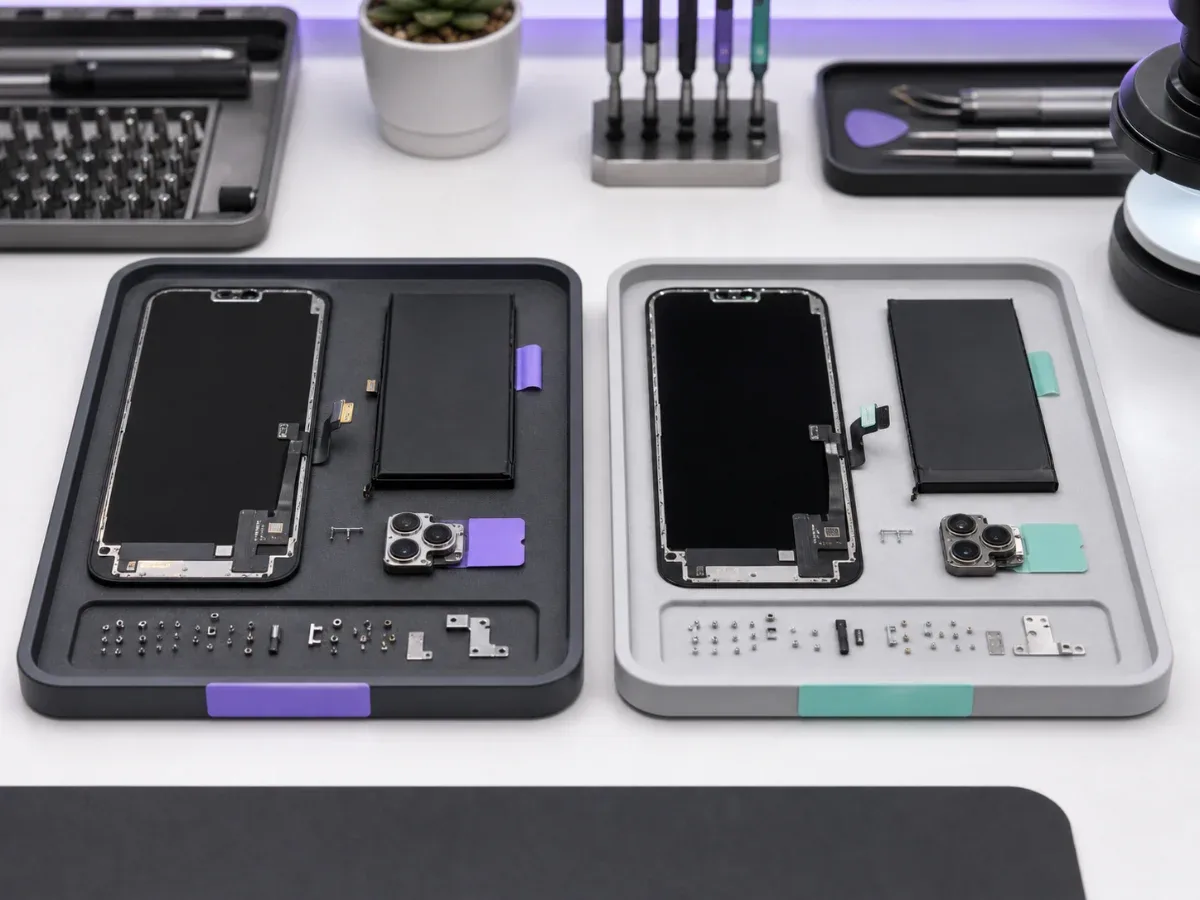
Original vs Aftermarket Parts: What You Need to Know
A clear comparison of original and aftermarket repair parts for iPhone and Apple devices, including screens, batteries, price and reliability.
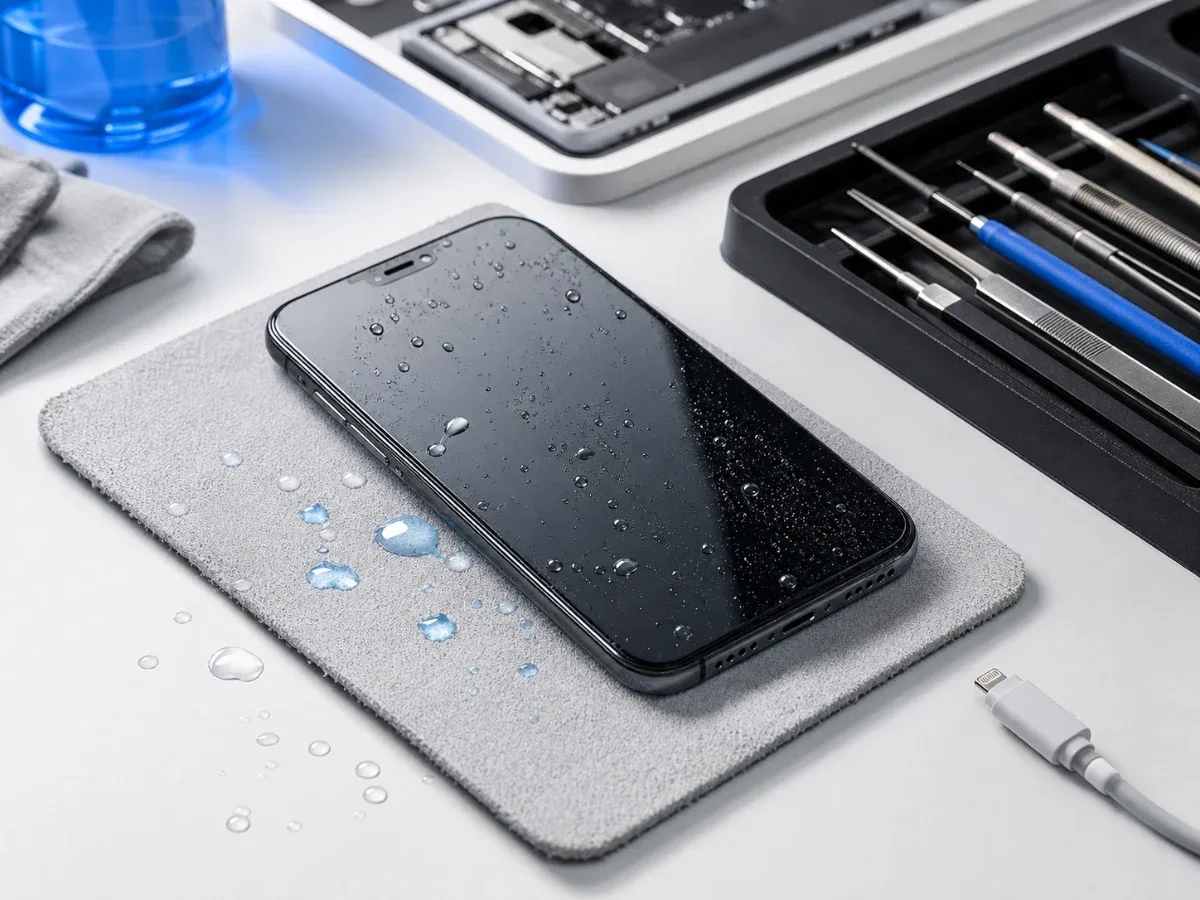
Water Damaged iPhone: Critical First Steps
What to do immediately after water damage, why rice is not a repair and when iPhone diagnostics or board-level service is needed.
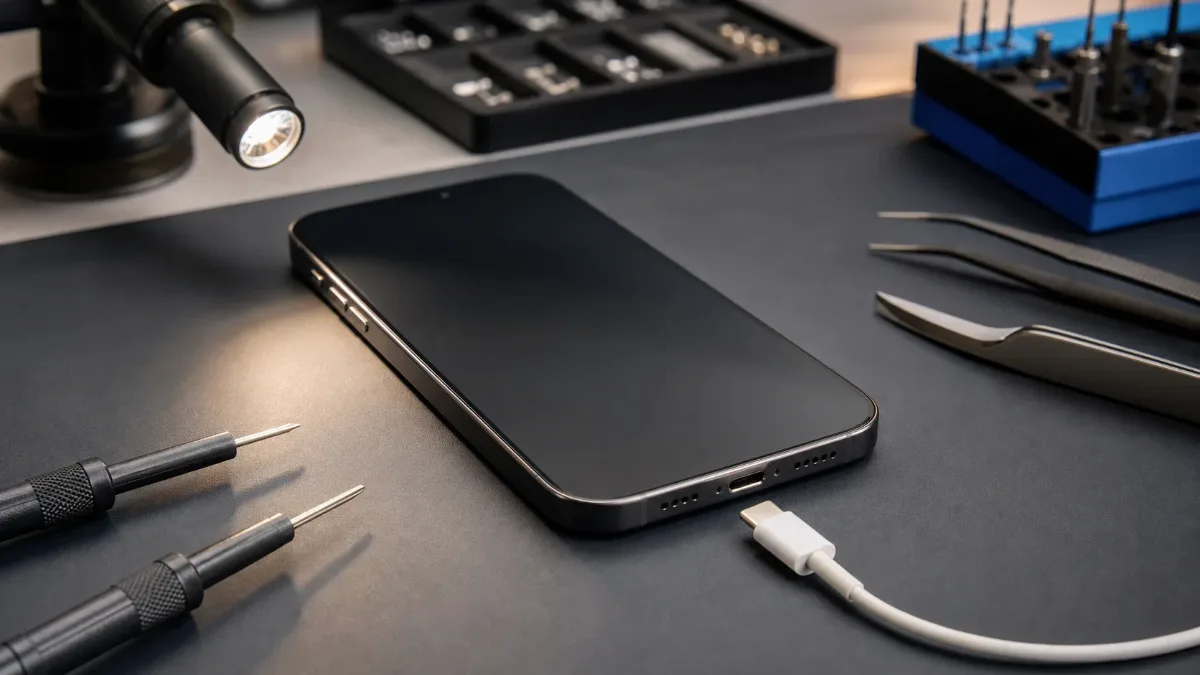
iPhone Not Charging: Cable, Port, Battery or Board?
A practical guide to iPhone charging faults: cable checks, charging-port symptoms, battery signs, diagnostics and when board repair may be needed.