Water Damaged iPhone: Critical First Steps
After liquid contact, the first minutes matter. The goal is to reduce corrosion, avoid short circuits and keep the repair path open.
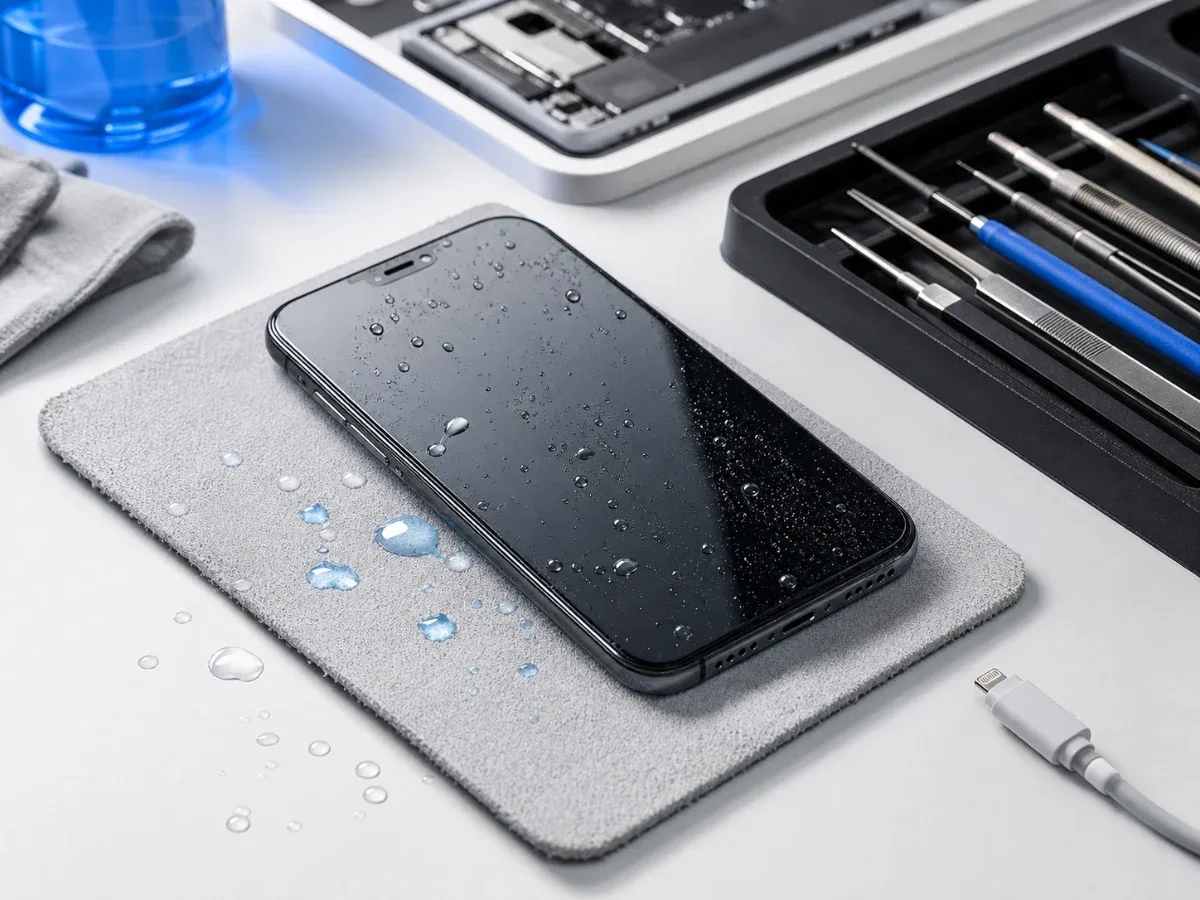
Water damage is one of the few iPhone problems where waiting can make the repair harder. The phone may continue working after contact with water, coffee, sea water or rain, but corrosion can start inside before the user sees a clear symptom. The goal in the first minutes is simple: stop power, avoid heat and get the device checked before the damage spreads.
First minute checklist
If the iPhone is still on, power it off. Disconnect any cable immediately. Remove the case, wipe the outside and keep the phone still. Do not shake it hard, do not use a hair dryer and do not put it on a heater. Heat can push moisture deeper and damage adhesives. Do not charge the phone to see if it survived. Charging a wet device is the fastest way to turn moisture into a short circuit. If the cable or port was wet, the charging port needs inspection before normal use.
Why rice is not a repair
Rice may absorb a little moisture from the air around the phone, but it does not remove liquid from under shields, connectors or board components. It also does not stop corrosion. A phone can appear to recover after a night in rice and then fail days later when oxidation reaches a connector or power line. Silica gel is better for drying the outside environment, but even that is not a substitute for opening, cleaning and testing when liquid entered the device. The correct repair depends on what got wet and how long power stayed connected.
Symptoms that need service quickly
Book iPhone diagnostics if the phone heats, restarts, shows no image, has Face ID failure, weak speakers, camera fog, charging warnings, fast drain or touch problems. Fast battery drain after liquid can be especially important because it may point to board leakage, not only battery wear. If the phone was exposed to sea water, pool water, soup, coffee or sugary drinks, the urgency is higher. Salt and sugar leave conductive residue after drying. That residue keeps damaging the board until it is cleaned.
What the technician checks
A proper inspection looks at liquid indicators, connectors, charging current, display behavior, cameras, speakers, microphones, battery condition and visible corrosion. Sometimes cleaning and drying are enough. Sometimes the phone needs motherboard repair, port repair or battery replacement. The quote should come after inspection. Replacing one visible part without checking the board can miss the real problem. If the iPhone also drains quickly, compare the symptoms with our battery drain guide.
Price, data and timing
The first priority is data. If the phone still works, back it up without charging if possible. If it does not turn on, do not keep trying random cables. Bring the device for inspection and explain exactly what liquid was involved and when it happened.
Why speed matters more than appearance
After liquid exposure, an iPhone often looks healthier than it is inside. The screen may turn on, Face ID may work and the speaker may sound almost normal, while moisture remains under shields, connectors or flex cables. The risky window is the first few hours and the following days, when the owner assumes the phone recovered and starts charging it again. A good sign is stable behavior without heat, charging errors or unusual sound. A bad sign is any change after the liquid event: dim display, spots, weak audio, camera haze, quick drain or rebooting. In those cases, early inspection is usually cheaper than waiting until the device fails completely.
Bottom line
After water damage, power off, disconnect, dry the outside and avoid charging. Rice, heat and repeated testing can make things worse. A quick diagnostic check gives the best chance to save the device, protect data and choose between cleaning, charging-port work, battery service or board repair. For the next step, compare the price list with the relevant iPhone repair services. The repair path is straightforward: diagnose the fault, confirm the part level and test the device after repair.
Read next
Back to Blog
iPhone Not Charging: Cable, Port, Battery or Board?
A practical guide to iPhone charging faults: cable checks, charging-port symptoms, battery signs, diagnostics and when board repair may be needed.
Why iPhone Gets Hot While Charging: What to Check Before Repair
A practical guide to iPhone heat during charging: charger, port, battery, software load and board-level warning signs.
What to Do When Your iPhone Screen Cracks
What to do after an iPhone screen cracks, how to choose original or copy screen replacement and when diagnostics should come before the repair.