iPhone Not Charging: Cable, Port, Battery or Board?
When an iPhone stops charging, the visible symptom is simple but the cause is not. This guide explains how to separate cable, charging-port, battery and board-level faults before choosing repair.
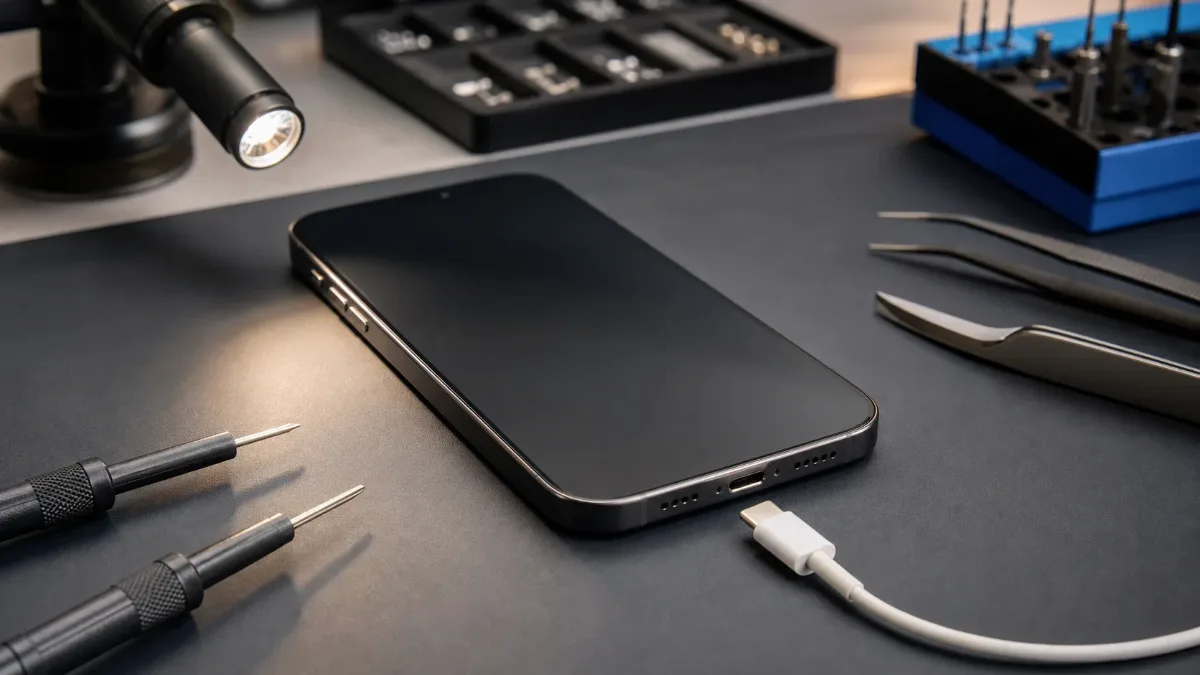
An iPhone that does not charge can look like one problem, but in repair it is several different problems that share the same symptom. The phone may not react to the cable, may charge only at an angle, may show the charging icon without gaining percentage, may heat near the connector, or may turn off even after being connected for a long time. Each pattern points to a different repair path. The safest approach is to avoid guessing. Start with the simple checks, then move to iPhone diagnostics if the behavior is unstable.
If the connector is damaged, the right service may be charging-port repair. If the battery no longer accepts charge, compare original battery replacement and copy battery replacement. If the phone was dropped or exposed to liquid, a board-level check may be needed.
First checks before repair
Use a known-good cable and adapter. Do not test only with one cheap cable or a worn car charger. Try a wall adapter, wait a few minutes, and watch whether the battery percentage rises steadily. If another charger works normally, the phone may be fine and the accessory should be replaced. Inspect the port with light, but do not scrape it aggressively. Pocket lint can block the connector and make the cable feel loose. A technician can clean the port safely, but sharp tools at home can bend pins or push debris deeper.
If the cable does not click into place or falls out easily, the port should be checked. Restart the iPhone if it is still powered on. A frozen charging state, a software crash, or a stuck accessory warning can sometimes disappear after a restart. If the issue began after an iOS update, give the phone a short window to settle, but do not ignore heat, smell, swelling or repeated shutdowns.
Signs of a charging-port problem
The charging port becomes the main suspect when the cable must be held at a certain angle, charging starts and stops, the connector feels loose, or the phone reacts differently to movement. Dirt, corrosion, impact damage and worn pins can all interrupt power. A damaged port can also create false battery symptoms. The phone may appear to drain fast because it never charges properly. It may show a lightning icon but gain only a few percent over an hour. In these cases, replacing the battery first can miss the real problem.
Choose iPhone charging-port repair when the symptom is clearly connector-related. If moisture is involved, also read our water-damaged iPhone first steps, because repeated charging attempts after liquid exposure can make board damage worse.
When the battery is the likely cause
A battery fault is more likely when the phone charges normally at first but loses percentage quickly, turns off while showing charge, jumps from one percentage to another, or becomes unreliable below 20-30 percent. A very old battery may also refuse to wake up after deep discharge. Battery Health is useful but not perfect. A low maximum capacity or service message supports replacement, but a phone can still need testing under load. If the device is used for navigation, camera, calls or work, a weak battery can fail exactly when stable power matters most.
For replacement, the choice is practical. Original-grade battery replacement is the better option for newer and main devices. Copy battery replacement can fit older or budget-sensitive repairs when the limitations are clear. Our guide on why iPhone battery drains fast explains the symptoms in more detail.
When it may be the board
Board-level faults are less common than dirty ports or worn batteries, but they are important. Suspect the board if the iPhone heats while connected, does not react to several known-good chargers, drains overnight while idle, restarts during charging, or stopped charging after liquid exposure or a hard drop. In that situation, replacing visible parts without diagnostics can waste time. The phone needs current measurement, inspection for corrosion, connector checks and power-line testing. If the issue is deeper, the right path may be iPhone motherboard repair, not a port or battery swap.
What diagnostics should answer
Good diagnostics answers three questions: does the phone receive power from the charger, does the battery accept and hold charge, and is there abnormal consumption on the board? A technician can compare charging current, port condition, battery behavior, heat pattern and previous repair signs. This is especially useful when symptoms overlap. A phone can have both lint in the port and a tired battery. Another can have a new battery but a damaged charging circuit. The goal is not to sell the most obvious part, but to choose the repair that solves the complaint once.
Do not wait if the phone is your main device, if it gets hot while charging, if the port was exposed to liquid, or if the battery is swelling. Charging faults can move from inconvenient to expensive when repeated attempts create heat or corrosion.
Bottom line
An iPhone that does not charge is not automatically a battery case. A loose cable points to the port, sudden shutdowns point to the battery, heat and liquid history point to diagnostics, and complete silence with several chargers may require board inspection. Start with safe checks, then choose diagnostics before replacing parts blindly. For the next step, compare the price list with the relevant iPhone repair services. The repair path is straightforward: diagnose the fault, confirm the part level and test the device after repair.
Read next
Back to Blog
Why iPhone Gets Hot While Charging: What to Check Before Repair
A practical guide to iPhone heat during charging: charger, port, battery, software load and board-level warning signs.
Water Damaged iPhone: Critical First Steps
What to do immediately after water damage, why rice is not a repair and when iPhone diagnostics or board-level service is needed.
Why Your iPhone Battery Drains Fast: How to Know When Replacement Is Needed
Learn how to tell real iPhone battery wear from charging-port, software, and board-level issues before replacing the battery.