Why iPhone Gets Hot While Charging: What to Check Before Repair
Heat during charging is not always a battery problem. The cause can be the cable, the charger, dirt in the port, software load, a tired battery or a board-level fault.
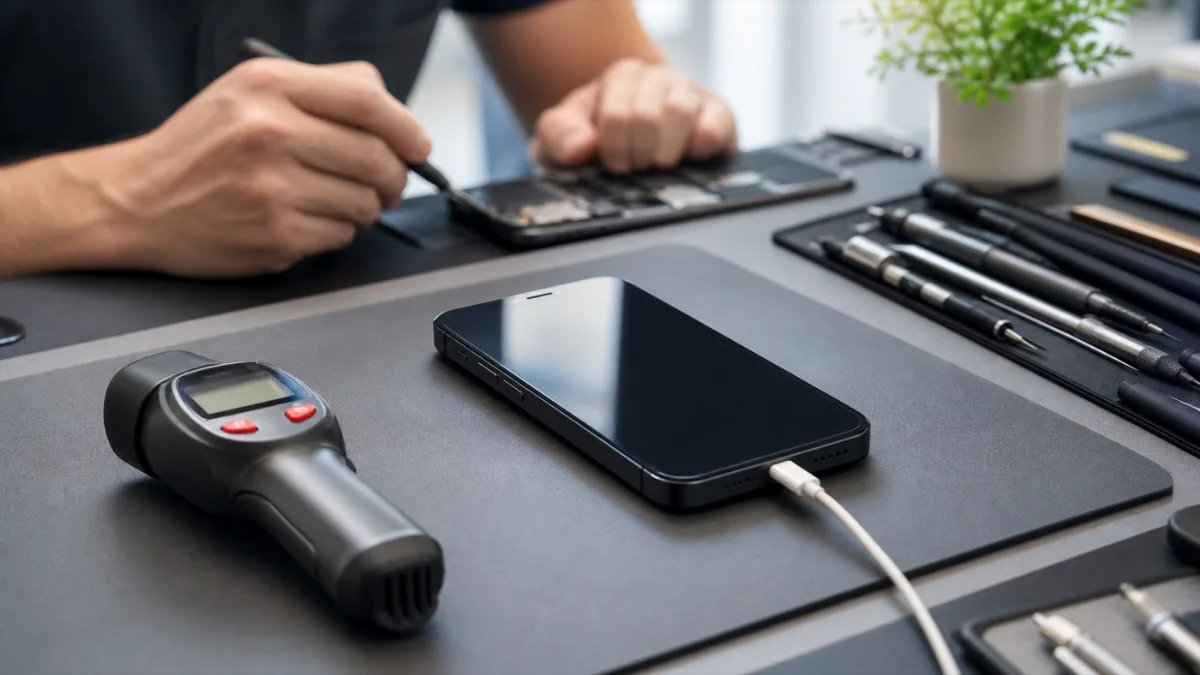
A warm iPhone during charging is normal to a point. The phone converts power, manages the battery, runs background tasks and may also use mobile data, navigation or backup services at the same time. The warning sign is not simple warmth. The warning sign is fast heat, heat near the charging port, charging that stops, a battery percentage that barely moves, or a phone that becomes uncomfortable to hold. Before approving a repair, it helps to separate the easy causes from the repair causes. This saves time and avoids replacing the wrong part.
Quick checks at home
Start with the cable and charger. Use a known good Apple-certified or high-quality USB-C / Lightning cable and a stable power adapter. Cheap cables can create resistance, and resistance becomes heat. If the phone heats only with one charger, the charger is the first suspect. Remove the case for one charging cycle. Thick cases, magnetic mounts and car holders can trap heat. If the iPhone cools down without the case, the device may be healthy but poorly ventilated during charging. Look at what the phone is doing.
Video calls, games, maps, hotspot mode, iCloud restore and large app updates can heat the phone while it charges. Let the iPhone charge locked for 20-30 minutes. If the temperature stays normal when the phone is idle, the issue is probably workload rather than hardware.
When the charging port is involved
Heat around the connector is more suspicious. Dust, pocket lint, corrosion or a loose connector can make the cable sit badly. The phone may charge only at an angle, disconnect when moved, or show charging without gaining percentage. In that case, the right path is iPhone diagnostics first and then charging port repair only if the port actually fails testing. Do not scrape the port with metal tools. The pins are small, and one wrong movement can turn a cleaning job into a connector repair. If there was liquid exposure, stop charging and book diagnostics before testing more cables.
Battery heat is a different pattern
A worn battery usually shows a broader heat pattern: the phone heats across the back, loses charge quickly, shuts down under load, or drops from a high percentage to a low one. Check Battery Health in iOS, but do not treat it as the only decision. A battery can be weak even when the menu looks acceptable, and a healthy battery can look bad if another component is drawing too much power. If testing points to the battery, compare the options before repair: original iPhone battery replacement and copy battery replacement. The right choice depends on the model, device value and how long you plan to keep it.
Board faults and false battery symptoms
If the phone heats quickly even with a good charger, even when idle, and especially after a fall or water exposure, the problem may be on the board. A shorted component, power-management fault or damaged charging line can imitate a battery or port issue. In those cases, replacing the battery first is a guess, not a diagnosis. Board-level work should start with current draw, thermal checks and connector inspection. If the fault is deeper, the repair path may involve motherboard repair rather than a simple part swap.
When to stop charging
Stop charging immediately if you smell burning plastic, see swelling, feel sharp heat near the connector, notice liquid in the port, or the phone restarts while plugged in. Do not put the phone under a pillow, in direct sun or in a closed car while charging. Let it cool on a hard surface and bring it for inspection. For pricing, start from the iPhone repair price list. For a clear answer, diagnostics is the important first step: it tells whether the heat comes from an accessory, port, battery, software load or board fault.
Read next
Back to Blog
iPhone Not Charging: Cable, Port, Battery or Board?
A practical guide to iPhone charging faults: cable checks, charging-port symptoms, battery signs, diagnostics and when board repair may be needed.
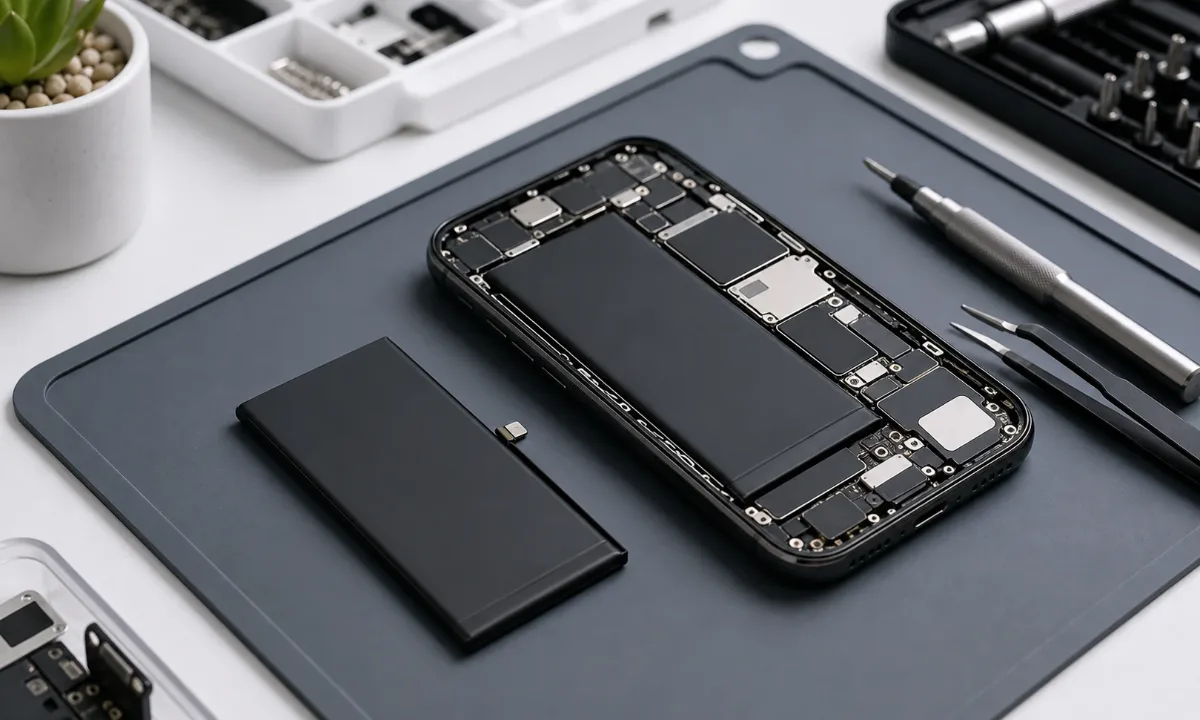
Why Your iPhone Battery Drains Fast: How to Know When Replacement Is Needed
Learn how to tell real iPhone battery wear from charging-port, software, and board-level issues before replacing the battery.
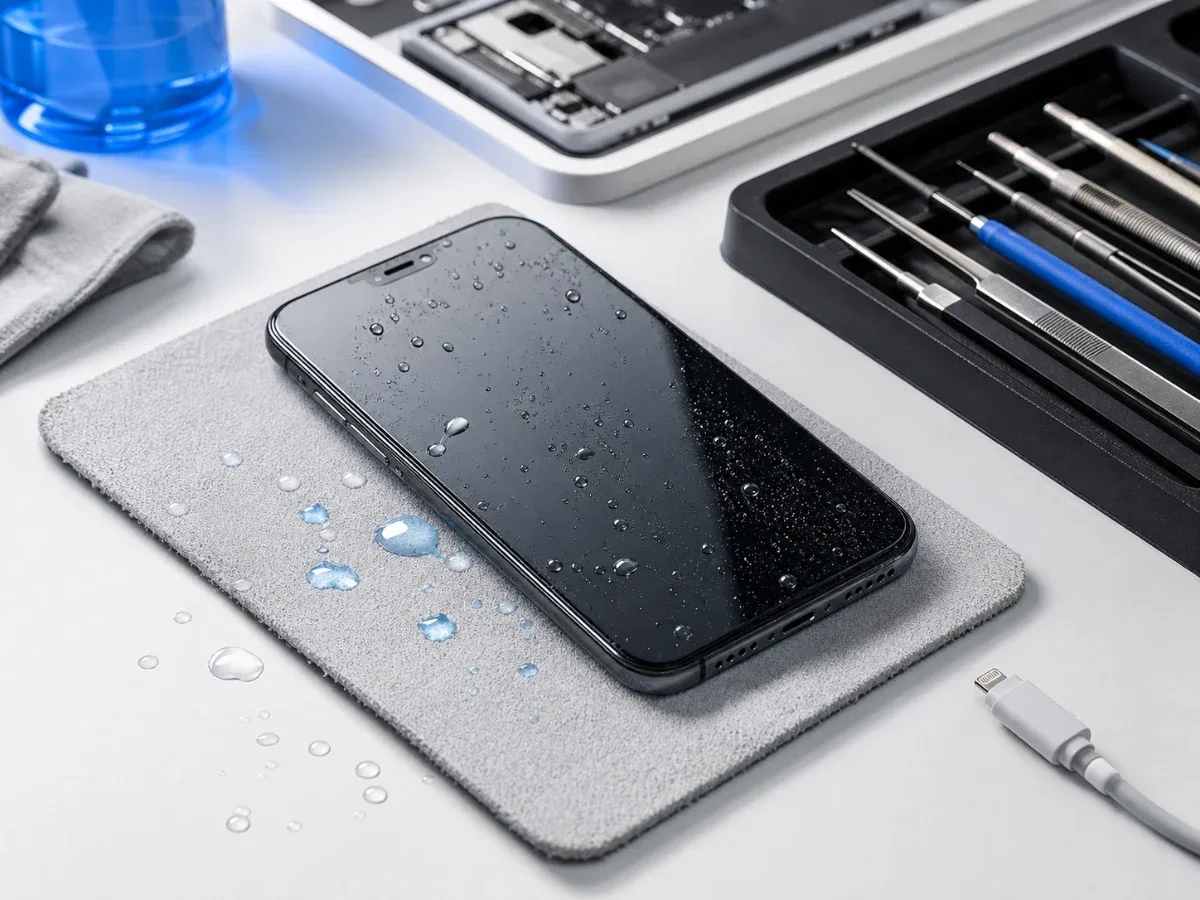
Water Damaged iPhone: Critical First Steps
What to do immediately after water damage, why rice is not a repair and when iPhone diagnostics or board-level service is needed.