Urgent iPhone Repair: What Can Be Fixed Fast and What Needs Diagnostics?
If the iPhone is your main device, the right repair path depends on the symptom: some jobs can be planned quickly, while heat, liquid, data risk and board symptoms need diagnostics first.

Urgent iPhone repair usually starts when the phone stops being just inconvenient and becomes a work, payment, navigation or data problem. The fastest route is not always the shortest message in chat. It is the route where the symptom is described clearly, the right part level is chosen, and diagnostics is used only when it protects the device from the wrong repair. If you need service now, start with iPhone repair services, check the price list, and send a concise request through contacts.
Fast cases and slower cases
Some cases are usually straightforward to plan: cracked glass with working image and touch, a tired battery with stable charging, a loose charging cable, camera glass damage or a known speaker issue. These still need model and part confirmation, but the first step is clear. Other cases should not be rushed into a part swap. Choose iPhone diagnostics first when there is liquid history, heat while charging, no image with vibration, repeated restarts, Face ID failure after a fall, several unrelated symptoms or important data without a backup. Those symptoms can involve connectors, frame pressure, corrosion or board lines.
What to send in the first message
A strong repair request should answer five points: exact iPhone model, the symptom, when it started, what happened before it started, and what matters most: speed, original part, lower budget, data safety or warranty. Add photos of the screen, back glass, camera glass or charging port if the damage is visible. If the phone turns on, mention battery percentage behavior, heat, restarts, water exposure and whether another cable was tested. This helps the team route the case toward screen repair, battery replacement, charging-port repair, camera repair, Face ID repair, water damage repair or diagnostics.
When data changes the decision
If the phone contains photos, work files, WhatsApp history, banking access or two-factor codes that are not backed up, say it before repair. In data-sensitive cases the goal may change from fastest repair to safest sequence. A phone with no image can still be alive. A phone after liquid exposure can become worse if it is charged repeatedly. A board-level fault may require data recovery before cosmetic repair. Back up the iPhone if it is still usable, but do not share Apple Account passwords, banking passwords or account recovery codes.
Parts, speed and price
Speed depends on part availability and on whether the fault is confirmed. A screen or battery job can be planned faster when the model is clear and the part grade is agreed. Original-grade parts make more sense for a main newer iPhone, heavy camera use, payments and long-term use. Copy parts can work for older or temporary devices when the limitations are clear. The useful price is the price of the repair that actually solves the complaint, so compare the iPhone price guide before approving the part.
When to stop using the phone
Stop using and charging the iPhone if it heats strongly, smells unusual, shows battery swelling, was in sea water, keeps restarting, has no image after impact, or the screen is lifting from the frame. Do not dry it with heat, press the screen back into place or keep testing chargers. If water is involved, read water-damaged iPhone first steps. If charging is the issue, read iPhone not charging. If the display has lines or flicker, use the screen symptom guide.
Bottom line
The fastest useful iPhone repair is the one that starts with the correct route. Send the model, symptom, history, photos and priority. If the case is simple, the service path is clear. If there is water, heat, data risk or several symptoms, diagnostics first can save both money and the device.
Read next
Back to Blog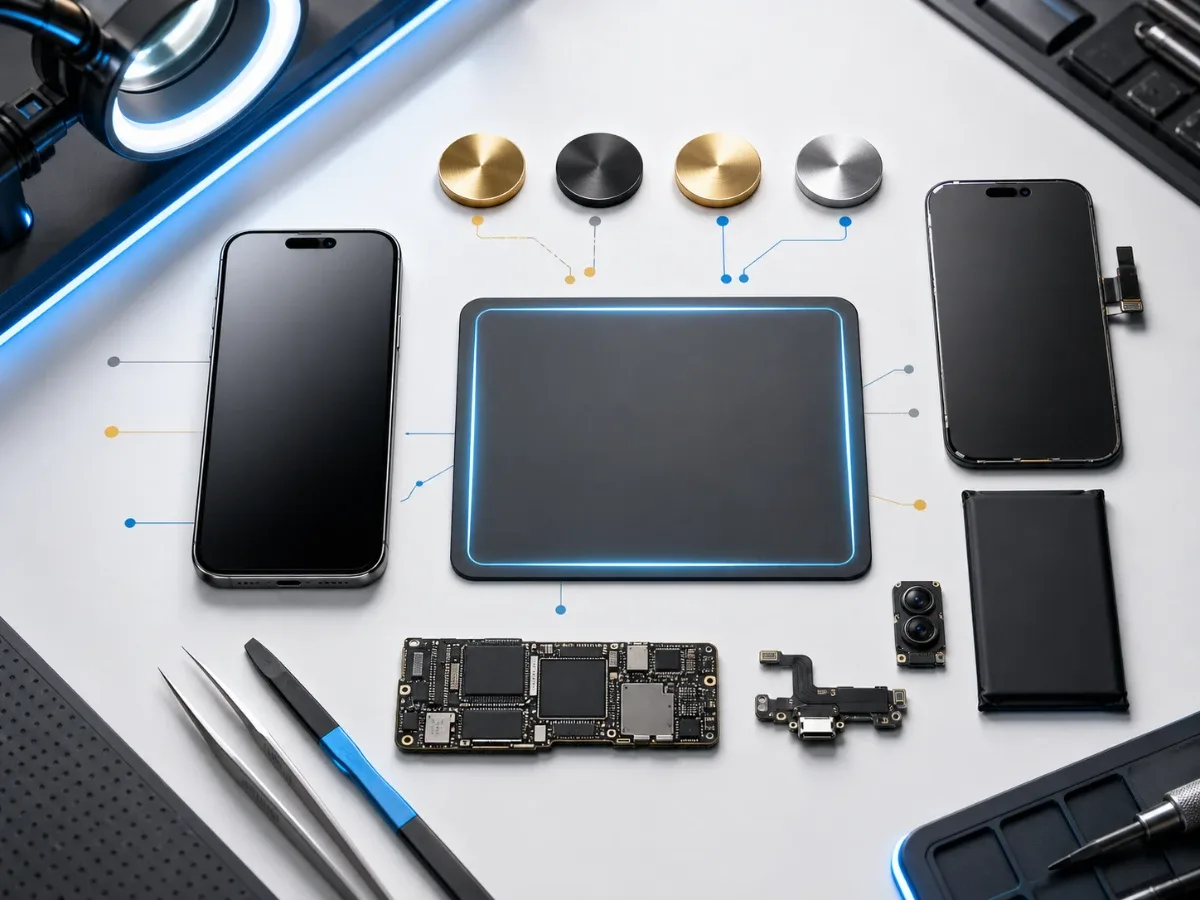
How Much Does iPhone Repair Cost: Screen, Battery, Charging or Board?
A practical price guide for iPhone repair: model, part grade, diagnostics, urgency and what to send before booking service.
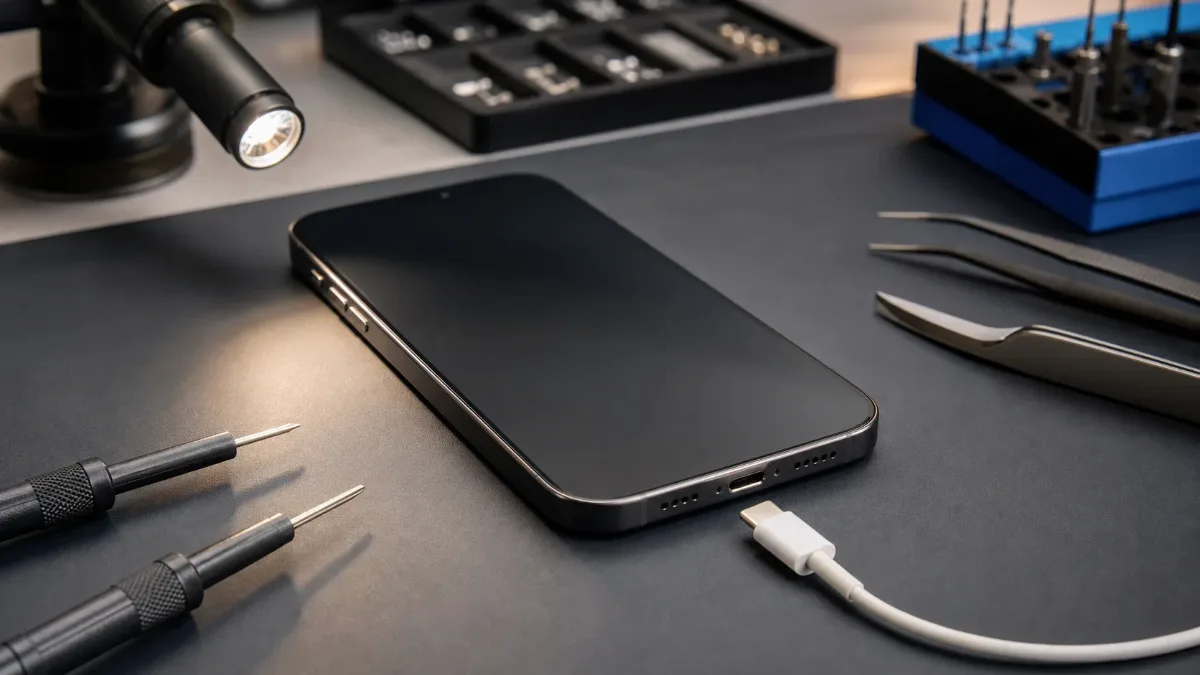
iPhone Not Charging: Cable, Port, Battery or Board?
A practical guide to iPhone charging faults: cable checks, charging-port symptoms, battery signs, diagnostics and when board repair may be needed.

Water Damaged iPhone: Critical First Steps
What to do immediately after water damage, why rice is not a repair and when iPhone diagnostics or board-level service is needed.