How Much Does iPhone Repair Cost: Screen, Battery, Charging or Board?
The price of iPhone repair depends on the model, the real fault, part grade and whether the issue is isolated or connected to liquid, impact or board symptoms.
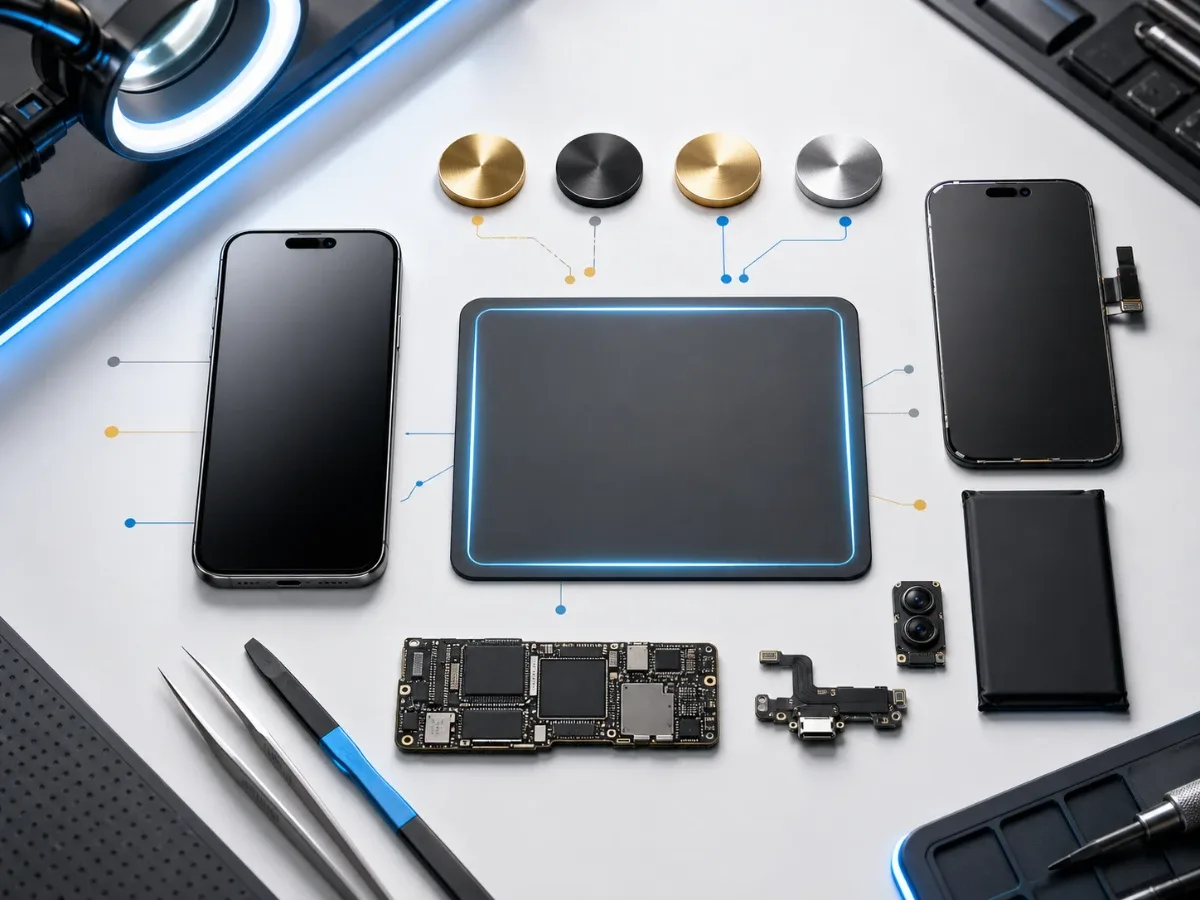
People often search for iPhone repair price before they know the exact service. That is normal: a cracked screen, fast battery drain, charging problem or Face ID error all look like simple requests, but the final repair path can change after diagnostics. The useful goal is not to name the cheapest part first. It is to understand what affects price, what should be checked before approval and how to send a clear repair request. Start with the iPhone repair page and price list, then narrow the case by symptom.
What changes the price
The first factor is the model. Newer Pro and Pro Max models usually have more expensive displays, camera assemblies and frame work. Older iPhones may be cheaper to repair, but part choice matters more because the repair must still make economic sense. The second factor is the part grade. For screens and batteries, compare original screen repair, OLED screen repair, copy screen repair, original battery replacement and copy battery replacement. The third factor is whether the fault is isolated. A simple broken screen is different from a screen with lines after liquid exposure.
A weak battery is different from a phone that heats while charging. A loose cable can be a charging port, but it can also hide corrosion or board behavior.
When diagnostics saves money
Diagnostics is not an extra step for complicated cases; it is often the cheapest way to avoid the wrong repair. Choose iPhone diagnostics when the phone has several symptoms, was dropped hard, touched water, restarts, heats, has no image, does not charge with several known-good cables or contains important data. If the symptom is clean, the route can be faster. A cracked but working display usually goes toward screen replacement. A phone that drains quickly but charges normally may go toward battery testing. A cable that only works at an angle points toward the charging port. Mixed symptoms should be tested before parts are approved.
How to choose original or copy parts
The right part depends on the device value and how the phone is used. Original-grade parts are better for a main iPhone, newer models, heavy camera use, payments, navigation and work. Copy parts can make sense for an older device, temporary phone or budget repair when the limitations are clear before approval. The decision should include brightness, touch feel, battery stability, warranty and resale value, not only the lowest number. For screen cases, read the guide about iPhone screen lines and flicker. For battery cases, read why iPhone battery drains fast.
What to send before booking
A good repair request shortens the path to a real quote. Send the iPhone model, the exact symptom, when it started, whether there was water or a fall, whether the phone was repaired before, and what matters most: original part, lower price, speed, data safety or warranty. Add photos of screen damage, the back glass, camera glass or charging port if visible. If the phone still turns on, mention battery percentage behavior, heat, restarts and whether another cable was tested. This helps the technician decide whether the first step is a direct service such as charging-port repair, camera repair, Face ID repair, water damage repair or diagnostics.
When to come urgently
Do not wait if the iPhone heats while charging, smells unusual, has a swollen battery, was exposed to sea water, has no image but still vibrates, reboots repeatedly or contains data that is not backed up. These cases can become more expensive when the phone is repeatedly charged, pressed, dried with heat or kept powered on after liquid exposure. For liquid cases, start with water-damaged iPhone first steps. For no-charge cases, use the iPhone not charging guide.
Before handing over the iPhone
Back up important data if the phone is still accessible. Check that you know the device passcode and Apple Account access. For some service flows, Find My or repair status may need to be checked before work can continue, so ask before the visit if the phone is locked, managed by a company or has an unfinished repair message in Parts & Service History. Remove the case, SIM tray if needed and payment cards from the case. Do not share Apple Account passwords or banking app passwords.
Bottom line
The best iPhone repair price is the price for the correct repair, not the cheapest part named before testing. Use the price list, open the relevant iPhone repair services, and send the model, symptom, history and priority. EPPY can separate screen, battery, charging, water and board cases, then approve the narrowest repair path before parts are installed.
Read next
Back to Blog
iPhone Not Charging: Cable, Port, Battery or Board?
A practical guide to iPhone charging faults: cable checks, charging-port symptoms, battery signs, diagnostics and when board repair may be needed.
Why Your iPhone Battery Drains Fast: How to Know When Replacement Is Needed
Learn how to tell real iPhone battery wear from charging-port, software, and board-level issues before replacing the battery.
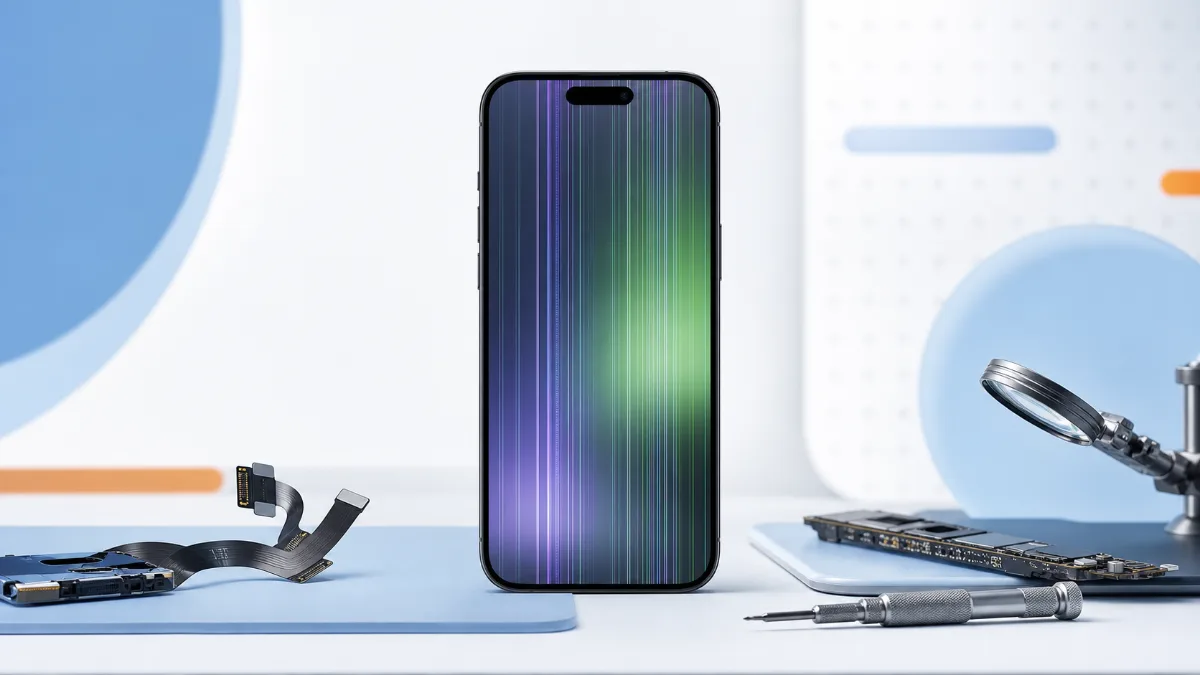
iPhone Screen Has Lines or Flickers: Display, Cable or Board?
How to diagnose iPhone screen lines, flicker, green screen and touch dropouts before choosing screen replacement or board repair.