iPhone Won't Turn On: Battery, Charging, Screen or Board?
A dead iPhone is not always dead: it can be a flat battery, charging path, dark screen, boot loop, liquid damage or a board-level fault.
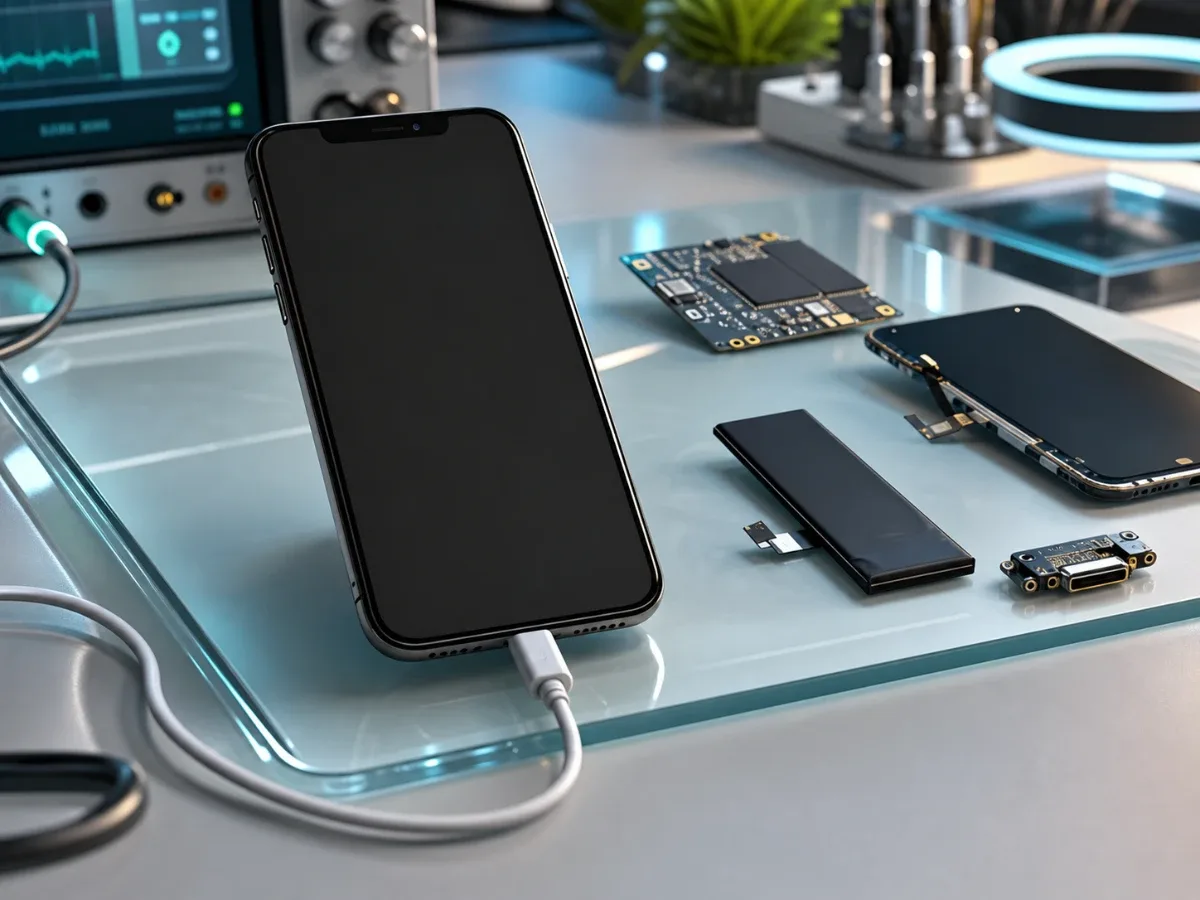
When an iPhone will not turn on, the most important first step is to describe what exactly happens. A phone that shows no signs of life is a different case from a phone that vibrates, shows the Apple logo, rings with a black screen, gets warm on a charger or restarts in a loop. Each pattern points to a different repair route. Start from safe checks, then use iPhone diagnostics before replacing parts blindly. If the device is your main phone, also check iPhone repair services, prices and send the symptom through contacts.
What does not turning on really mean
There are several different no-power symptoms. The iPhone may be completely silent with no vibration and no charging icon. It may show the Apple logo and turn off again. It may make sounds, receive calls or vibrate while the display stays black. It may react only after a long time on a charger. It may heat near the connector, camera area or back glass. These details matter because the repair may be battery, charging port, display, software recovery, water damage inspection or board repair. Do not assume the most visible part is the cause. A dark display can look like a dead phone, and a weak battery can look like a motherboard fault.
Safe checks before service
Use a known-good cable and wall adapter, then leave the iPhone connected for 15 to 30 minutes. If the battery was deeply discharged, it may need a short wake-up window. Try a force restart for your model only once or twice. Repeating it for an hour does not repair a hardware fault. Check whether the phone vibrates, makes notification sounds, appears in Finder, or is detected by another device. If it is detected but the screen stays black, the path may be screen repair or display diagnostics, not necessarily power repair.
Do not use heat, rice, pressure on the screen or sharp tools in the charging port. Stop immediately if the phone becomes hot, smells unusual, shows battery swelling or was exposed to liquid.
Battery and charging cases
A battery becomes more likely when the iPhone was old, shut down at a high percentage, worked only while connected, or stopped waking up after deep discharge. In that case the route may lead to original battery replacement after testing the battery under load. Charging becomes more likely when the cable feels loose, the phone reacts only at an angle, the charging icon appears and disappears, or several accessories behave differently. Then charging-port repair may be the right direction. The tricky part is overlap. A bad port can keep a good battery empty, and a weak battery can make a working port look useless. Diagnostics should separate these before parts are approved.
Screen, software loop or board
If the iPhone vibrates, rings, connects to a computer or makes sounds while the screen is black, suspect the display path first. This can happen after a fall, frame pressure, liquid or a previous repair. If the Apple logo appears and disappears, the phone may be in a boot loop. That can be storage, software, battery, sensor, connector or board related. If the phone heats strongly on a charger, does not react to several known-good chargers, was in water, or died after a hard impact, the case moves toward board-level diagnostics and possibly motherboard repair.
Data changes the route
If the iPhone contains photos, work files, WhatsApp history, authentication apps or banking access without backup, say it before repair. In data-sensitive cases, the priority may be to keep the phone stable long enough for backup or data recovery, not to make it look repaired quickly. Do not restore or erase the device before asking if the data matters. Do not share Apple Account passwords or banking passwords. If the phone was exposed to water, read water-damaged iPhone first steps and avoid charging attempts.
What to send before booking
A useful request includes the exact iPhone model, what happens on charger, whether there is vibration or sound, whether the Apple logo appears, whether the screen is black but the phone seems alive, and what happened before the failure. Mention water, fall, overheating, previous repair, storage full warnings and whether the data is backed up. Photos of the device, charging port, screen edge and back glass help if damage is visible. If charging is the main symptom, use the iPhone not charging guide. If the repair decision depends on cost, compare the iPhone repair price guide.
Bottom line
An iPhone that does not turn on needs symptom-based routing, not guessing. Battery, charging port, display, software loop, liquid damage and board faults can all look similar from the outside. Safe checks are useful, but heat, water, swelling, repeated restarts and important data are reasons to stop testing and book diagnostics.
Read next
Back to Blog
iPhone Not Charging: Cable, Port, Battery or Board?
A practical guide to iPhone charging faults: cable checks, charging-port symptoms, battery signs, diagnostics and when board repair may be needed.

How Much Does iPhone Repair Cost: Screen, Battery, Charging or Board?
A practical price guide for iPhone repair: model, part grade, diagnostics, urgency and what to send before booking service.

Water Damaged iPhone: Critical First Steps
What to do immediately after water damage, why rice is not a repair and when iPhone diagnostics or board-level service is needed.