iPhone Screen Has Lines or Flickers: Display, Cable or Board?
Lines, flicker, green tint or touch dropouts can come from the display module, connector damage, liquid exposure or a board-level fault. The repair path depends on the pattern.
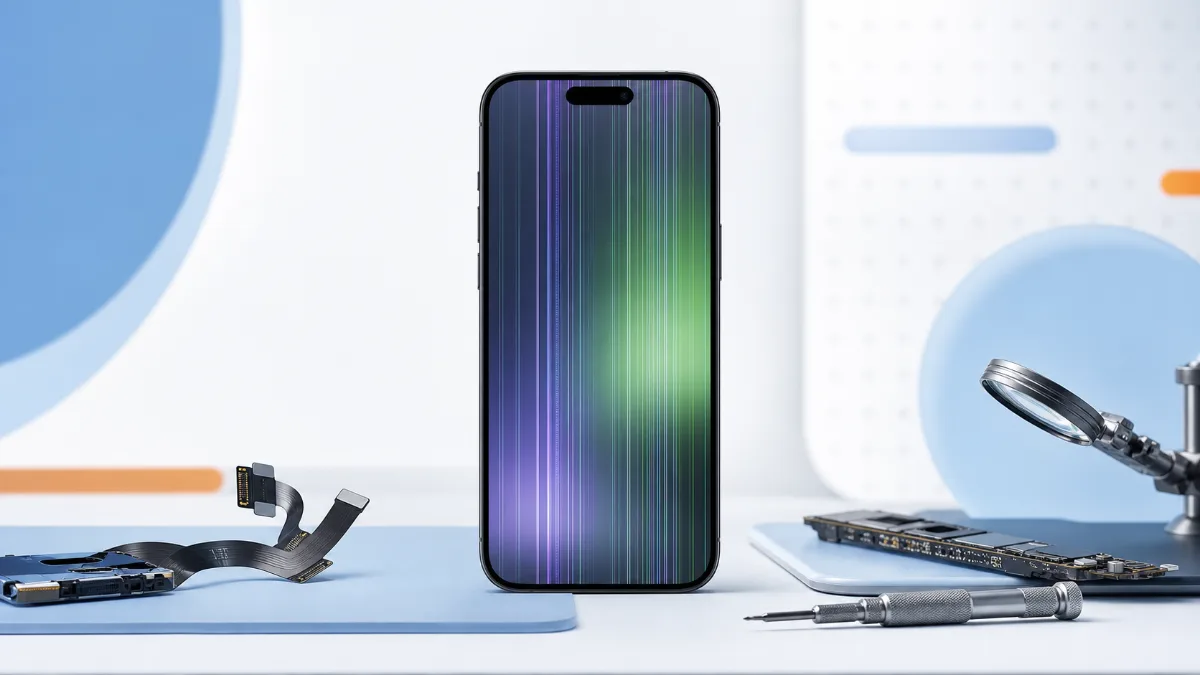
A striped or flickering iPhone screen is not always the same as a cracked screen. Sometimes the glass looks fine, but vertical lines appear after a drop, the picture flashes, the screen becomes green, touch stops in one area, or the image disappears while the phone still vibrates. These symptoms usually need diagnostics before choosing the part. Start with iPhone diagnostics, then compare original screen replacement and copy screen replacement if the display module fails testing.
Common patterns Vertical colored lines after a fall usually point to display-panel damage or connector stress. Flicker that changes when the phone is pressed or twisted can mean a loose connector, frame deformation or previous repair issue. A green or white screen after impact may still be a display fault, but it can also involve the board, especially if the phone heats, restarts or had liquid exposure. Touch problems matter too. If the image is normal but part of the screen does not react, the fault can be the digitizer layer, a damaged connector or board-level touch circuitry. If the phone was opened recently, diagnostics should also check cable seating and signs of pressure inside the frame.
When water changes the decision
If the issue appeared after rain, sea water, pool water or cleaning liquid, do not keep testing brightness, charging and restart combinations. Moisture can damage the display, connectors and board at the same time. Read the water-damaged iPhone first steps and book diagnostics before approving a simple screen swap. A new display on a corroded board can fail again.
Original or copy screen
If testing shows only display damage, the choice is practical. Original-grade screen replacement is better for newer iPhones, main devices and users who care about brightness, color and touch feel. A copy screen can reduce cost on older devices, but the limits should be clear before repair. If the screen has lines after a drop, also inspect the frame. A bent frame can put pressure on the new display and shorten its life.
When it may be board repair
Board symptoms include no image with normal vibration, screen behavior that changes with heat, repeated restarts, liquid history, or lines that return after another known-good display is connected. In these cases, the right route may include motherboard repair, not just a screen module. For budget planning, start with the repair price list, but do not choose the part before diagnostics.
Read next
Back to Blog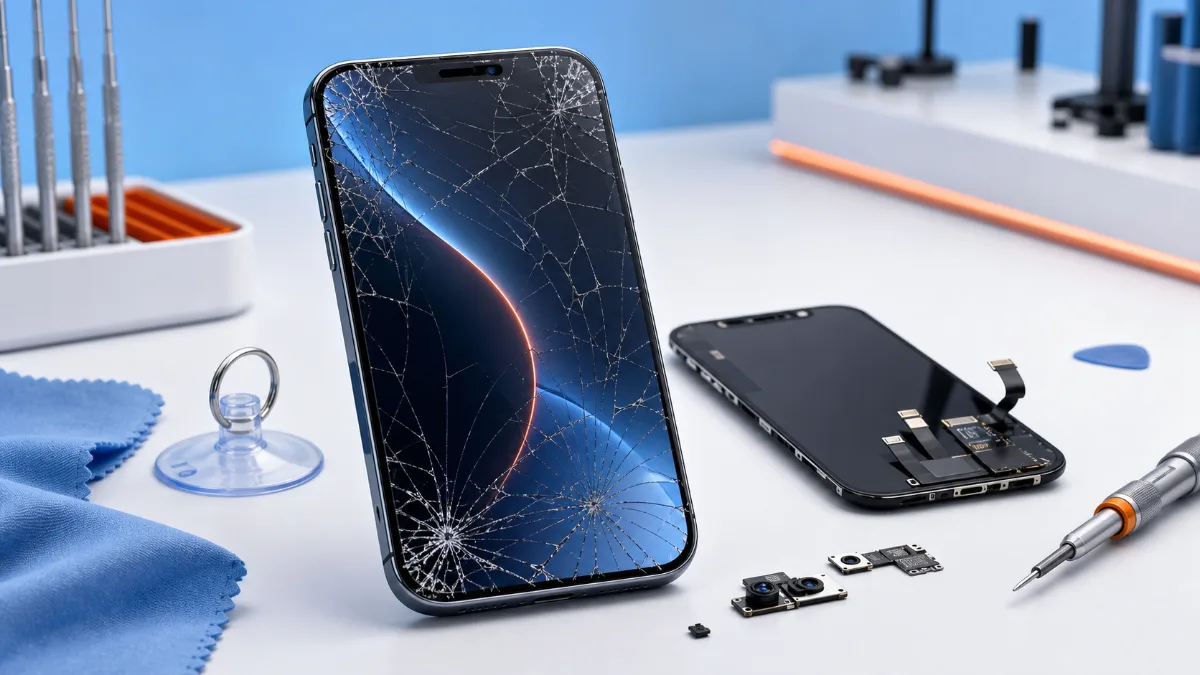
What to Do When Your iPhone Screen Cracks
What to do after an iPhone screen cracks, how to choose original or copy screen replacement and when diagnostics should come before the repair.

Water Damaged iPhone: Critical First Steps
What to do immediately after water damage, why rice is not a repair and when iPhone diagnostics or board-level service is needed.
iPhone Not Charging: Cable, Port, Battery or Board?
A practical guide to iPhone charging faults: cable checks, charging-port symptoms, battery signs, diagnostics and when board repair may be needed.