Face ID Not Working on iPhone: TrueDepth Camera, Screen or Board?
If Face ID says it is not available, fails setup or stopped after a fall, screen repair or liquid exposure, the cause can be software, the TrueDepth camera, front camera alignment, corrosion or the board.
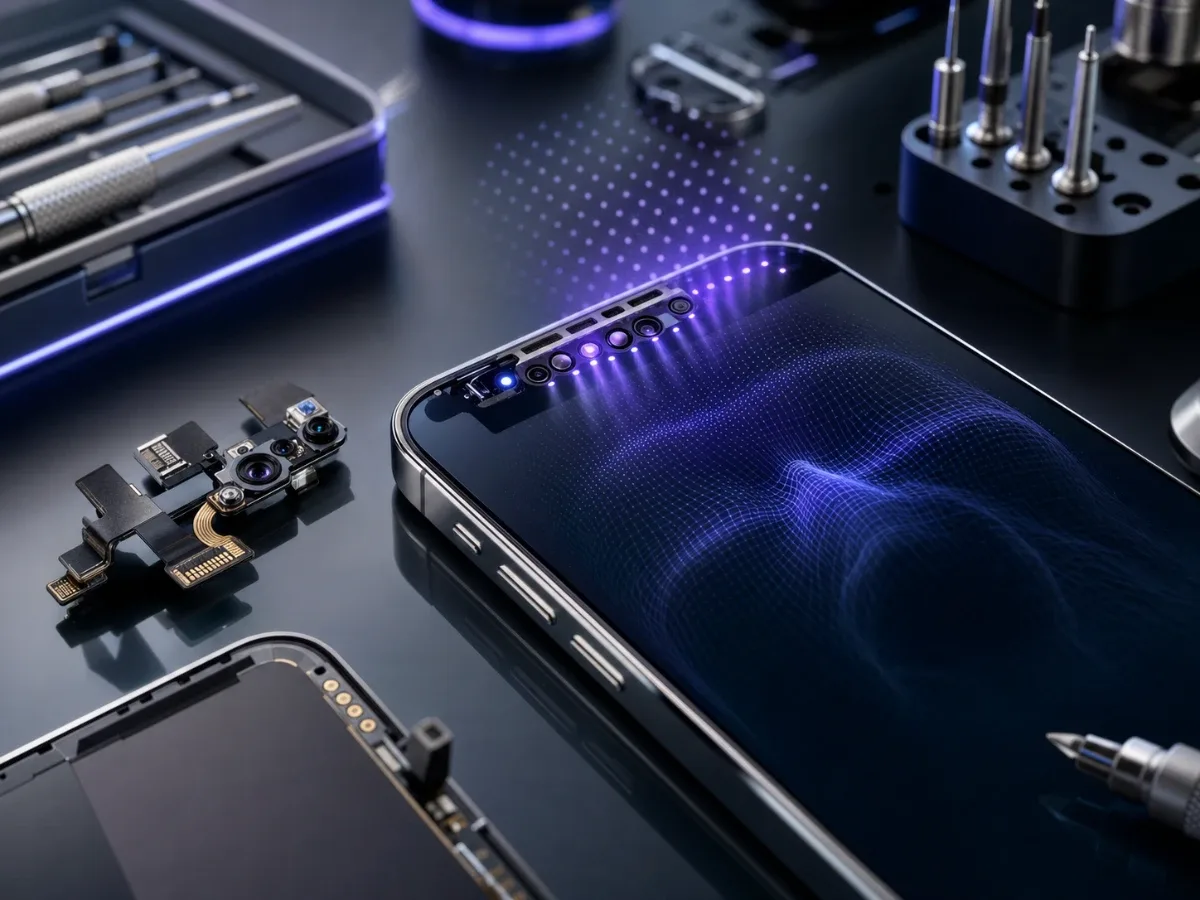
Face ID failure is a high-intent symptom because it affects unlocking, payments, banking apps and password autofill. It is also easy to misdiagnose. The same message can appear when the TrueDepth camera is covered by dust, when Face ID settings are off, when iOS needs a restart, after a screen repair that disturbed the sensor area, after liquid exposure, or when a board-level line has failed. Apple’s own troubleshooting path starts with simple checks: Face ID settings, nothing covering the TrueDepth camera, face visibility, correct distance, restart, alternate appearance and reset Face ID. If Face ID still cannot be set up, the next step is service rather than guessing parts.
Quick checks before repair
Clean the top sensor area with a soft cloth, remove a thick case or screen protector, restart the iPhone and check Settings > Face ID & Passcode. Make sure the feature you need is enabled, such as iPhone Unlock, Wallet, Password AutoFill or specific apps. If Face ID works sometimes but fails in one app, the problem may be app permission or sign-in state rather than hardware. Also check the usage pattern. Older Face ID iPhones need portrait orientation, while newer models can support more orientations depending on iOS and model.
Hold the phone at roughly selfie distance, keep eyes, nose and mouth visible and test without sunglasses or a mask first. If the error disappears, the repair bench is not the first stop.
When TrueDepth hardware is suspicious
Hardware becomes more likely when Face ID is not available during setup, the front camera behaves oddly, portrait effects fail, the phone was dropped, or the screen was replaced recently. The TrueDepth area is a small system of camera and sensors, and alignment matters. A tiny shift, damaged flex, pressure from a bent frame or contamination under the top display area can break authentication even when the normal selfie camera still opens. In that scenario, the right route is iPhone diagnostics before approving Face ID repair. Diagnostics should separate a simple setting problem from front camera, sensor, screen-frame and board symptoms.
After screen replacement
Face ID can fail after a cheap or rushed screen job even if the new display looks good. The technician should inspect the earpiece and sensor area, cable seating, frame pressure and signs that parts were moved incorrectly. If the display is also showing lines, flicker or touch dropouts, read the guide about iPhone screen lines and flicker, because the repair path may involve the screen and not only Face ID. A correct repair is not just replacing one module. It is preserving the sensor area, confirming the fault and testing unlock, camera, proximity behavior and payment authentication after repair.
After water or humidity
Liquid changes the decision. Do not keep resetting Face ID, charging the phone and testing the camera if the issue appeared after rain, sea water, bathroom steam or cleaning liquid. Moisture can affect the TrueDepth module, connectors and board at the same time. Start with the water-damaged iPhone first steps and book diagnostics. A new front-camera part or Face ID module on a corroded board can fail again quickly.
When it may be the board
Board repair becomes more likely if Face ID remains unavailable with known-good front components, if the phone heats, restarts, had liquid history, or shows several unrelated symptoms. In that case the work may move toward iPhone motherboard repair. This is why a blind part swap is risky: it can spend money without restoring authentication.
Bottom line
Start with settings, cleaning, restart and reset Face ID. If the symptom remains, especially after a drop, screen repair or liquid exposure, treat it as a diagnostic case. EPPY can check the TrueDepth area, front camera, frame, moisture traces and board behavior, then choose the narrowest repair path: Face ID service, front camera repair, water damage repair or board work.
Read next
Back to Blog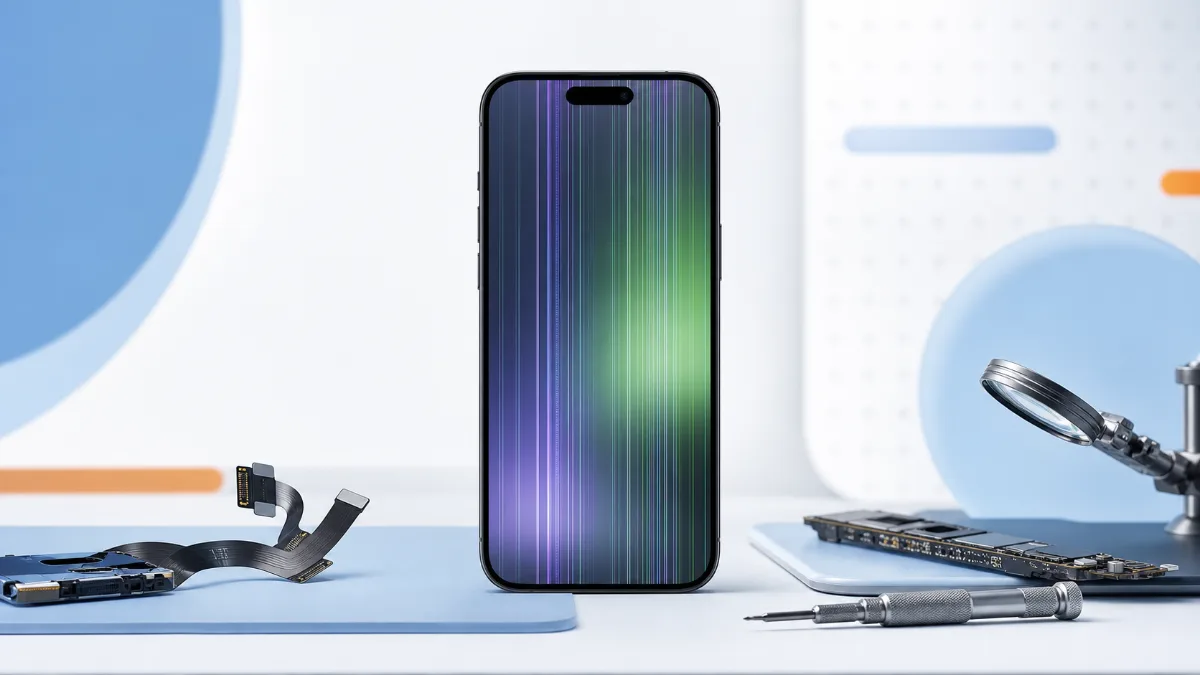
iPhone Screen Has Lines or Flickers: Display, Cable or Board?
How to diagnose iPhone screen lines, flicker, green screen and touch dropouts before choosing screen replacement or board repair.
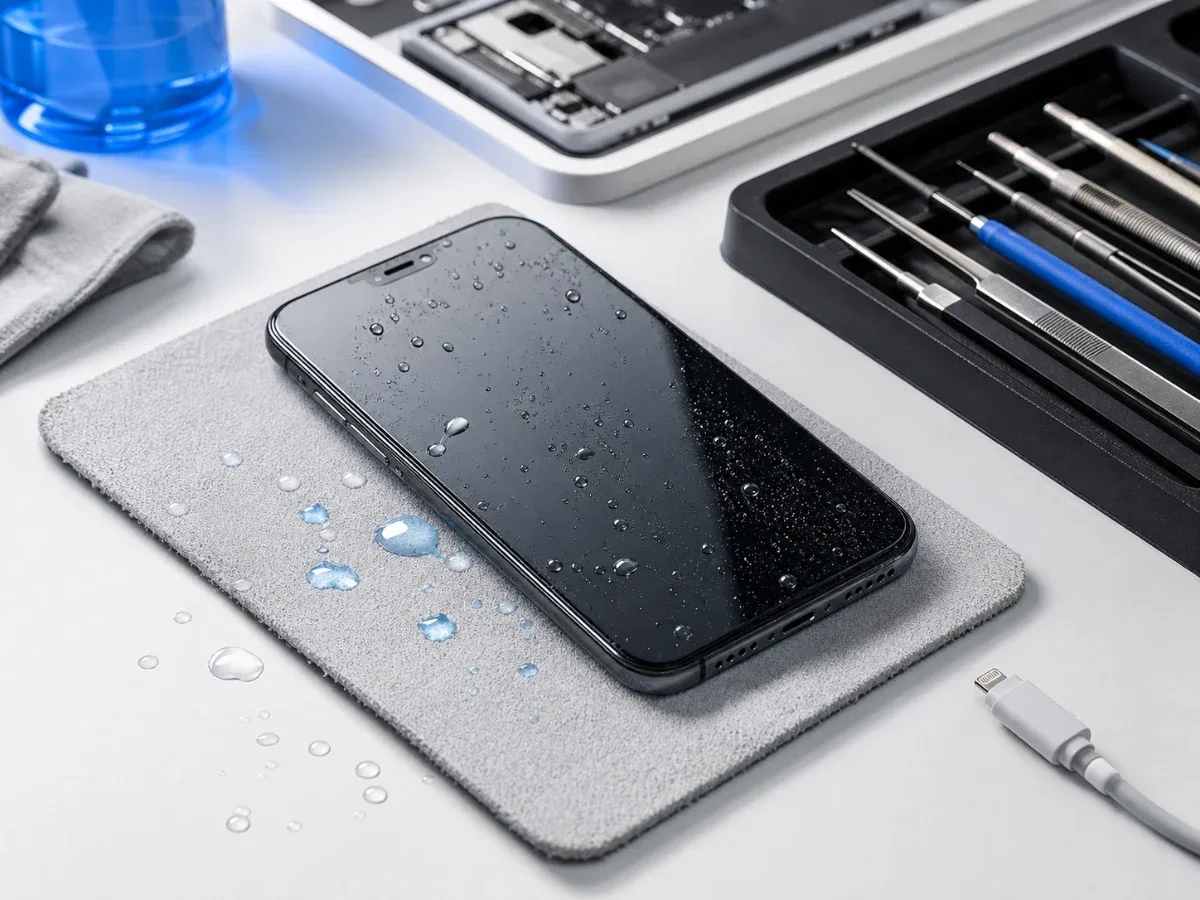
Water Damaged iPhone: Critical First Steps
What to do immediately after water damage, why rice is not a repair and when iPhone diagnostics or board-level service is needed.
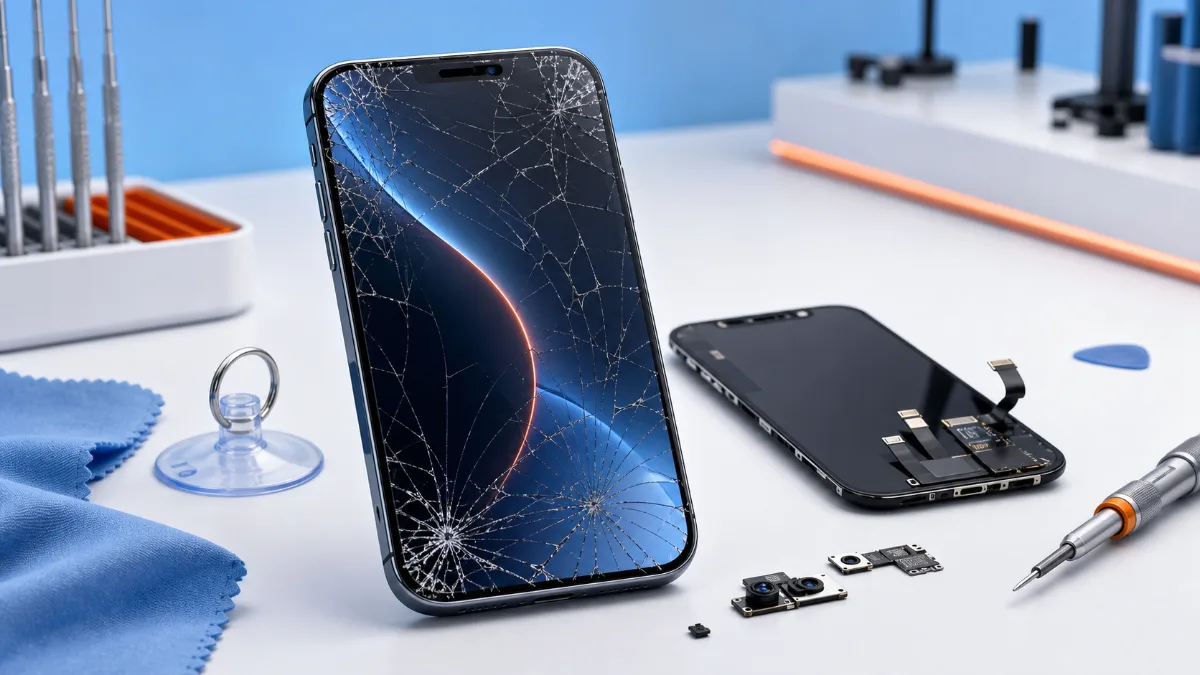
What to Do When Your iPhone Screen Cracks
What to do after an iPhone screen cracks, how to choose original or copy screen replacement and when diagnostics should come before the repair.