Camera Repair Service
Camera repair with diagnostics, clear repair options, warranty notes, and links to exact model pricing.

Camera repair is useful when the symptom is clear but the cause still needs confirmation: blurred focus, shaking image, black camera preview, cracked lens glass, dust spots, FaceTime issues, or camera errors after impact. At EPPY we treat the page as a practical repair guide, not just a booking page, so the first step is to understand what failed and whether a part replacement is really the right path.
When this service is needed
Book camera repair when the issue repeats after restart, appears with different cables or accessories, affects daily use, or follows a drop, pressure, heat, or liquid exposure. A short diagnosis helps separate visible damage from hidden faults and prevents replacing a good component.
What we check before repair
Before quoting the job we check lens glass, sensor module, focus motor, stabilizer, flex cable, frame damage, and software camera permissions. This matters because the same symptom can come from a replaceable part, contamination, frame damage, software state, or a board-level fault. Clear checks also make warranty coverage easier to explain.
Risks and tradeoffs
The main risk is choosing a repair path too early: replacing the wrong camera part can leave focus or stabilization faults unresolved. We explain the available part options, expected result, time, and cases where repair is not economical before starting work.
Related service pages
For exact pricing and model availability, use camera repair, compare related options on the matching repair page, or check current ranges in EPPY prices. Blog content stays national and language-based; service pages handle device-specific booking details.
Before you visit
- Back up the device if it still powers on.
- Avoid charging if there is heat, swelling, liquid exposure, or burning smell.
- Tell the technician what happened before the symptom appeared.
- Bring the cable or accessory if the issue appears only with it.
How this service connects to the rest of the repair
The technician also checks the parts around the failed area because a single symptom can hide a second fault. A charging issue can involve the port, battery, board, or software power state. A sound issue can involve the speaker, microphone, mesh, connector, or audio IC. This is why the article links to the relevant service and price pages: the final path should be based on the device, the symptom, and the diagnostic result, not on a generic repair name.
Read next
Back to Blog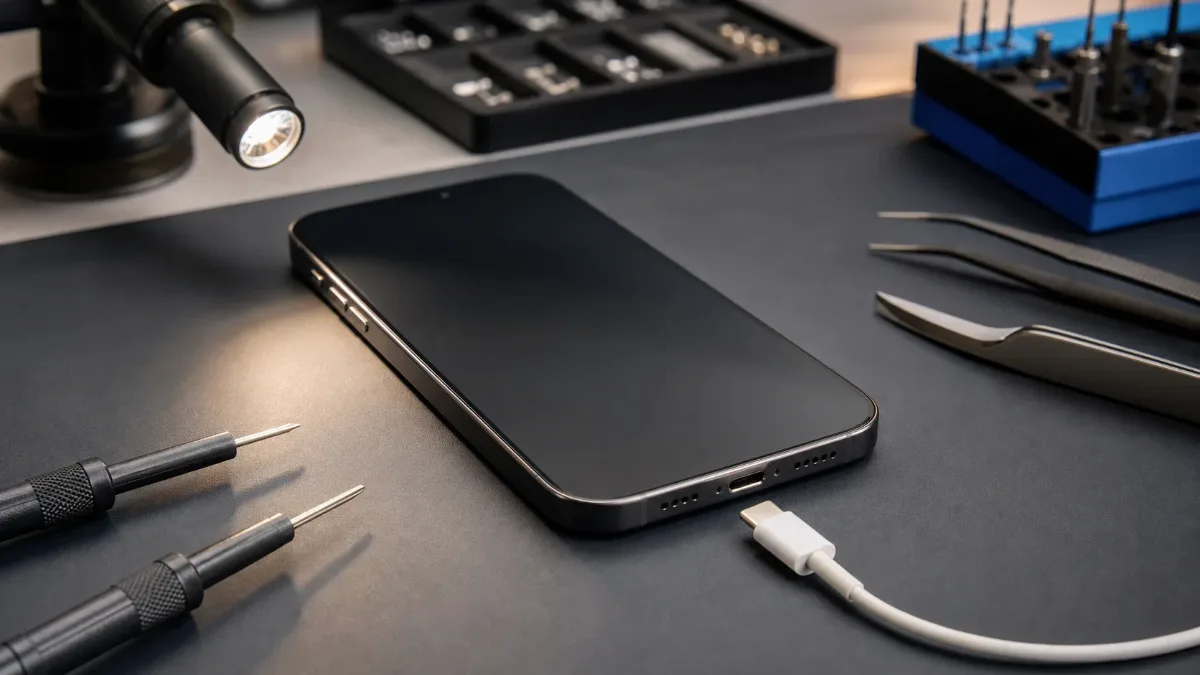
iPhone Not Charging: Cable, Port, Battery or Board?
A practical guide to iPhone charging faults: cable checks, charging-port symptoms, battery signs, diagnostics and when board repair may be needed.
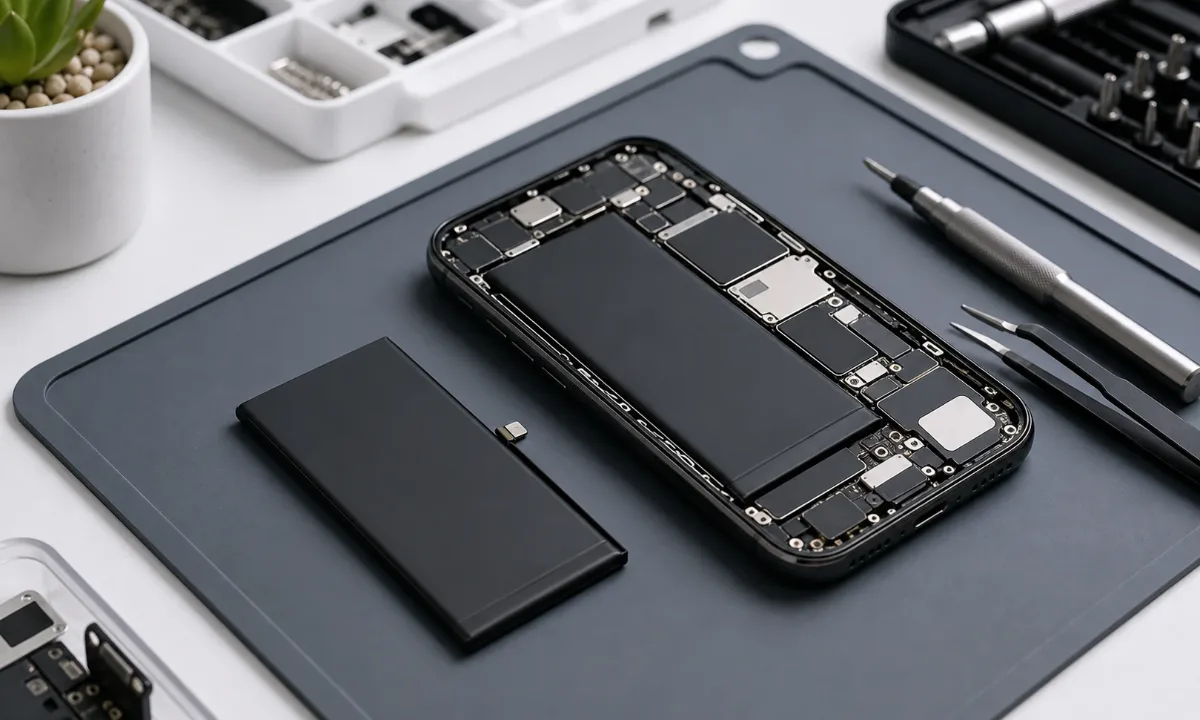
Why Your iPhone Battery Drains Fast: How to Know When Replacement Is Needed
Learn how to tell real iPhone battery wear from charging-port, software, and board-level issues before replacing the battery.
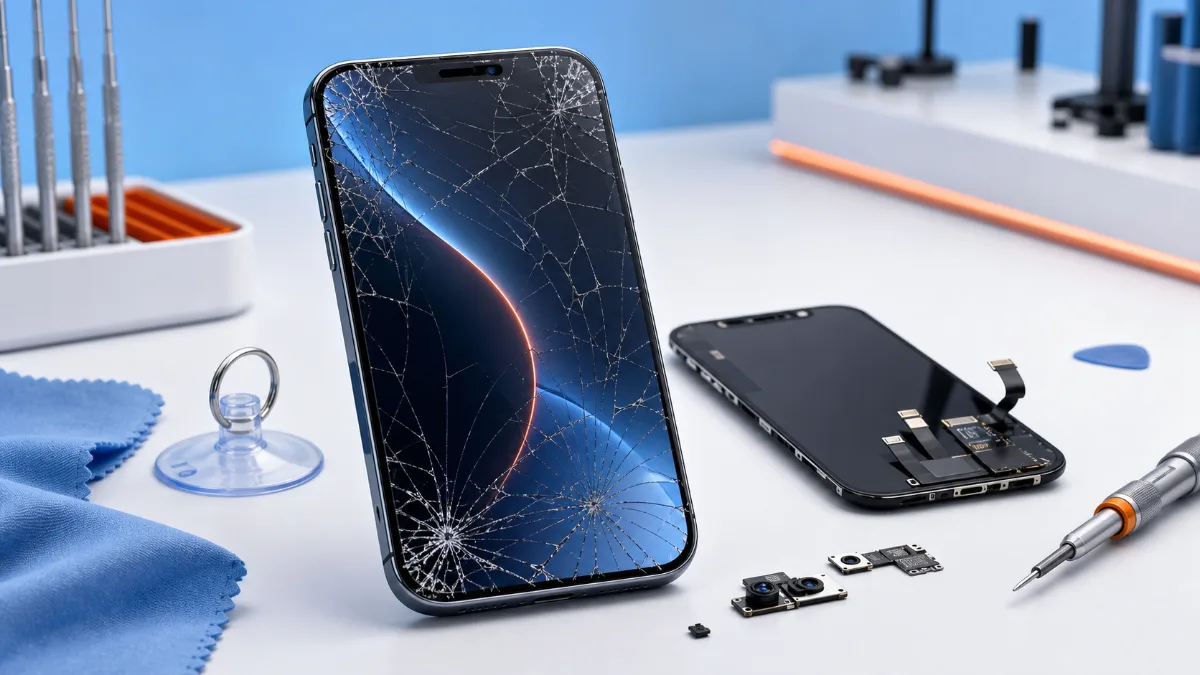
What to Do When Your iPhone Screen Cracks
What to do after an iPhone screen cracks, how to choose original or copy screen replacement and when diagnostics should come before the repair.