How to Extend Your iPhone Battery Life
Battery life is not only about one setting. Heat, charging habits, weak signal, worn cells and background apps all affect how long an iPhone works between charges.
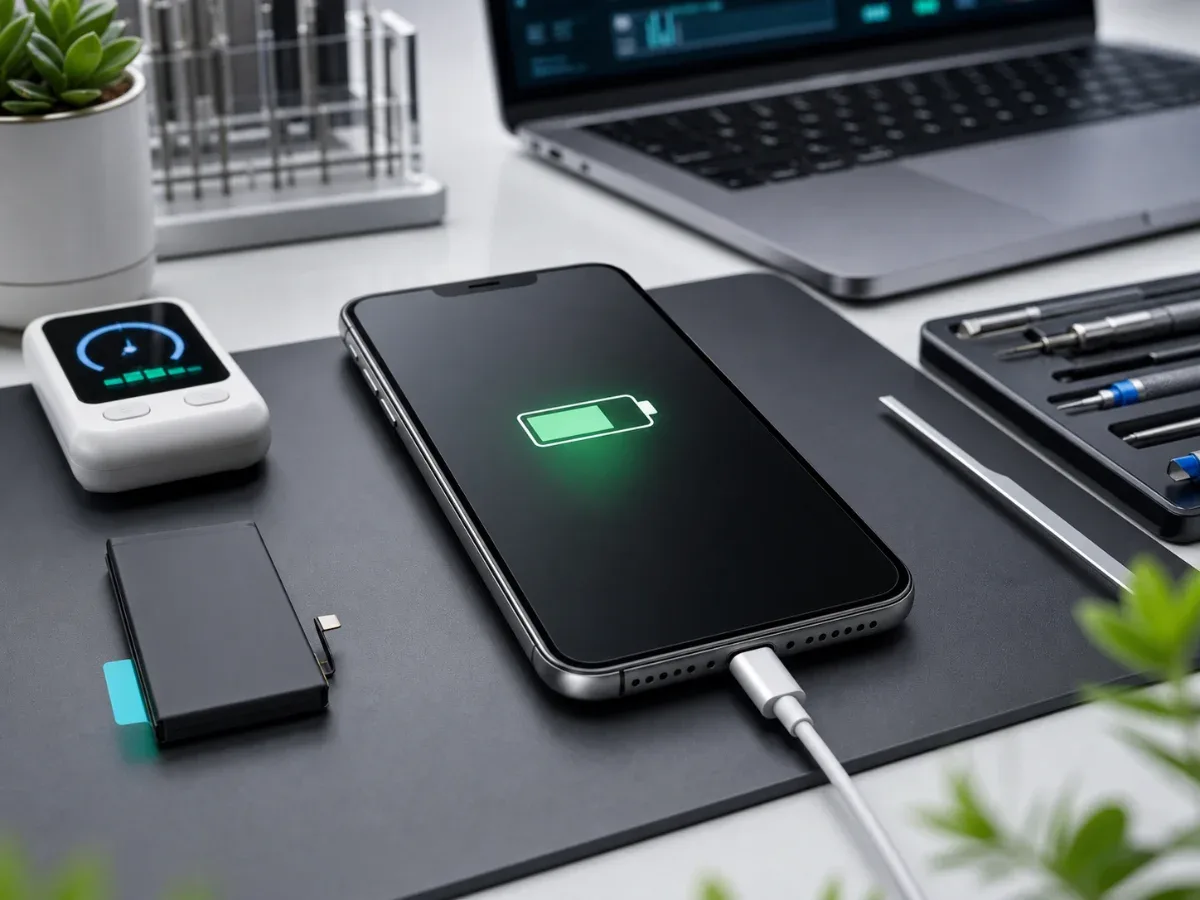
Most iPhone battery problems build up slowly. One week the phone lasts until evening, then it needs a top-up after lunch, and later it shuts down during navigation or camera use. The useful question is not only how to save a few percent today. It is how to reduce unnecessary wear, how to separate settings problems from hardware wear, and when to stop tuning iOS and book a real check. If the phone already drains very quickly, read our deeper guide on why an iPhone battery drains fast. This article focuses on prevention and practical daily habits. If the symptoms are unclear, iPhone diagnostics is the safest first step.
Start with Battery
Health, but do not stop there Open Settings, Battery, Battery Health and Charging. Maximum capacity gives a useful signal, but it is not the whole diagnosis. A phone at 86 percent can still behave badly if the battery is unstable under load, and a phone above 90 percent can drain quickly because of signal, apps or a charging fault. Look for patterns. Sudden drops from 30 percent to 10 percent, shutdowns before zero, heat during simple tasks and charging percentages that jump after reconnecting the cable are stronger warning signs than one number in Settings. If capacity is close to or below 80 percent, replacement is usually worth considering.
Charging habits that reduce wear
Lithium batteries age faster when they spend a lot of time hot or fully charged. You do not need to treat the phone like laboratory equipment, but a few habits help. Avoid leaving it in a hot car, under direct sun or on a pillow while charging. Remove thick cases if the phone becomes warm on a wireless charger. Use a reliable adapter and cable, especially if charging stops and starts. Optimized Battery Charging should stay on for most users. It lets iOS learn your routine and reduce time spent at 100 percent.
If the phone is a work device that stays plugged in all day, try shorter top-ups instead of permanent charging. Heat is the bigger enemy than fast charging itself.
Settings that actually matter
Low Power Mode helps when you need the phone to last through a long day, but it is not a repair. The more useful checks are Battery usage by app, screen brightness, background refresh, location access and mobile signal. Navigation, video, cloud sync, messengers and VPN tools can dominate the chart. Poor signal is often missed. When the iPhone struggles to stay connected, the modem works harder and drains the battery faster. If drain happens mostly in one building, parking level or train route, the battery may be fine and the environment may be the cause.
When saving tips stop helping
Settings cannot fix a battery that has lost stability. If the iPhone shuts down under load, heats during normal use, drops percentage suddenly or cannot last through basic work, it may need original iPhone battery replacement or a more budget-focused copy battery replacement. The right option depends on the model, budget and how important long-term consistency is. Before choosing, compare current options on the price list. For a newer main phone, original-grade replacement is usually the cleaner decision. For an older secondary phone, a copy battery can be reasonable if the expectation is clear.
Do not confuse battery wear with charging faults
A weak battery and a bad port can look similar. If the cable sits loosely, the phone charges only at an angle, or charging starts and stops, the charging port should be checked before replacing the battery. A phone that never charges properly will seem to drain quickly even with a healthy cell. Liquid exposure also changes the logic. Battery drain after moisture can point to corrosion or board leakage, so repeated charging attempts are risky. In that case, diagnostics should come before any part decision.
Local service and timing
Bottom line
To extend iPhone battery life, control heat, use reliable charging accessories, watch app usage and keep iOS settings realistic. But if the phone shuts down, heats, drops percentage or has low Battery Health, saving tips are no longer enough. A short diagnostic check can show whether the right repair is battery replacement, charging-port repair or deeper power diagnostics. For the next step, compare the price list with the relevant iPhone repair services. The repair path is straightforward: diagnose the fault, confirm the part level and test the device after repair.
Read next
Back to Blog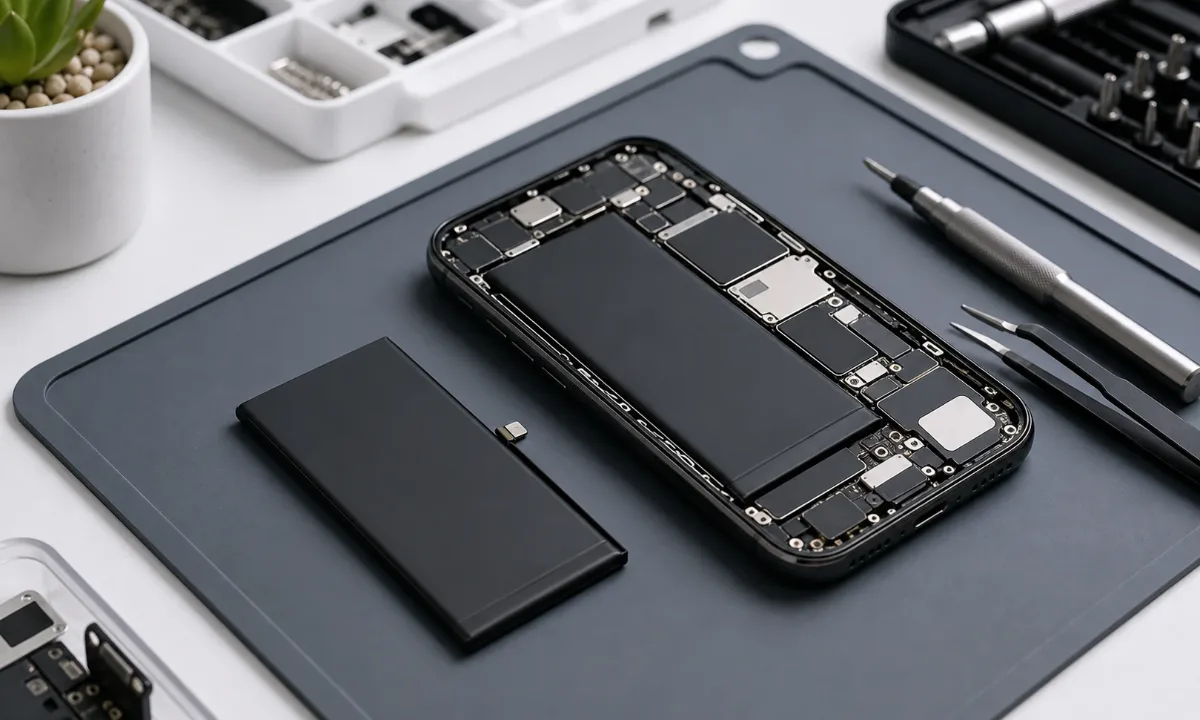
Why Your iPhone Battery Drains Fast: How to Know When Replacement Is Needed
Learn how to tell real iPhone battery wear from charging-port, software, and board-level issues before replacing the battery.
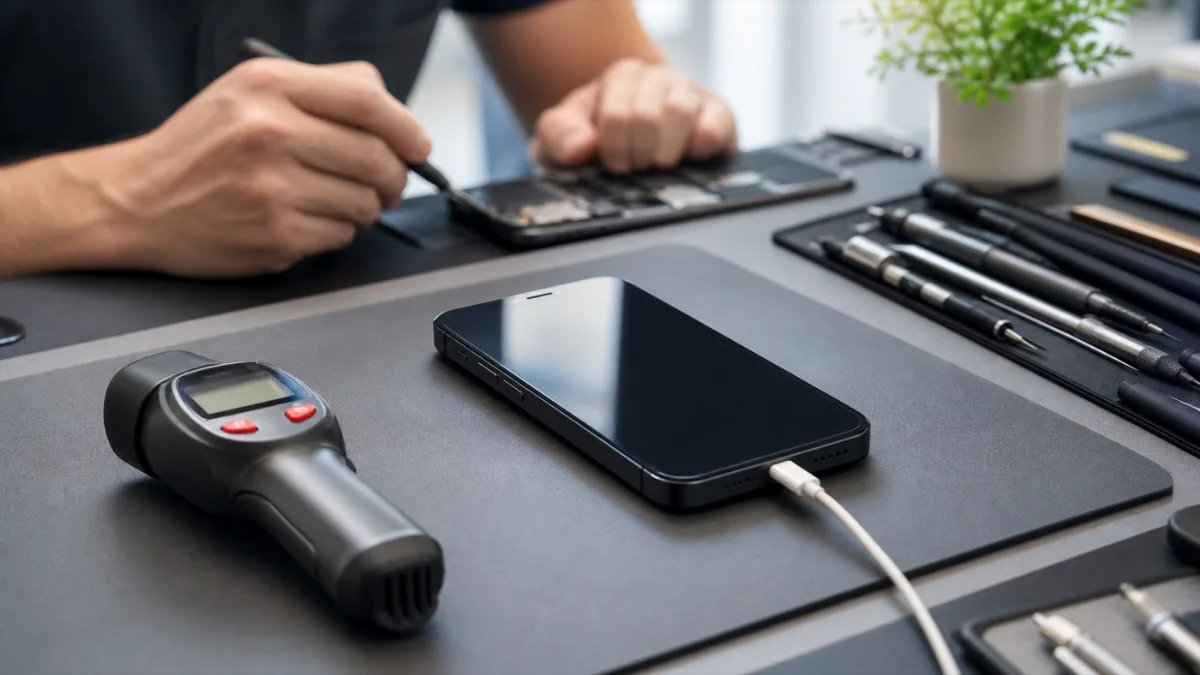
Why iPhone Gets Hot While Charging: What to Check Before Repair
A practical guide to iPhone heat during charging: charger, port, battery, software load and board-level warning signs.
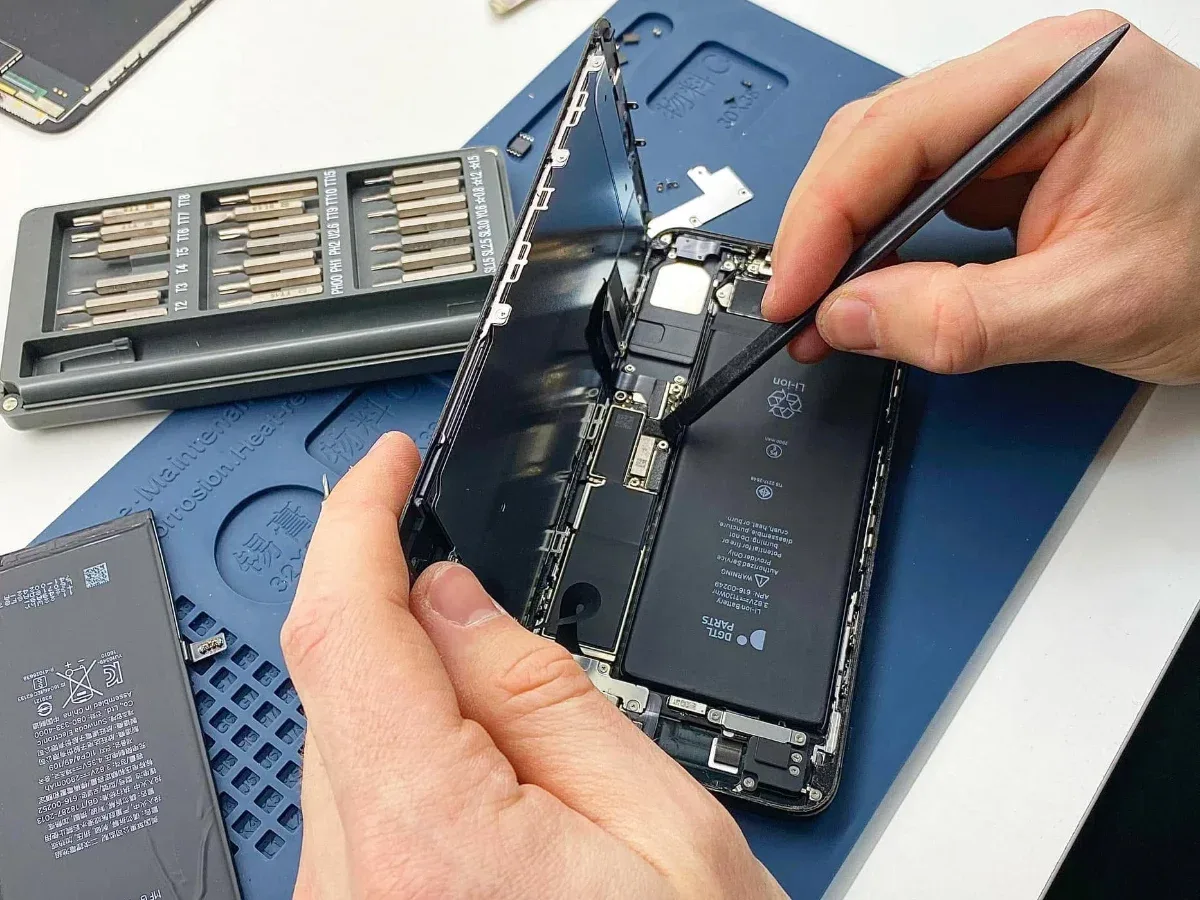
iPhone Battery Replacement: Original Battery, Price From ₪400 and On-site Service
A practical guide to original iPhone battery replacement: symptoms, diagnostics, price from ₪400, warranty, on-site service and when the battery is not the only issue.